
Look Up Any IP Address in Seconds
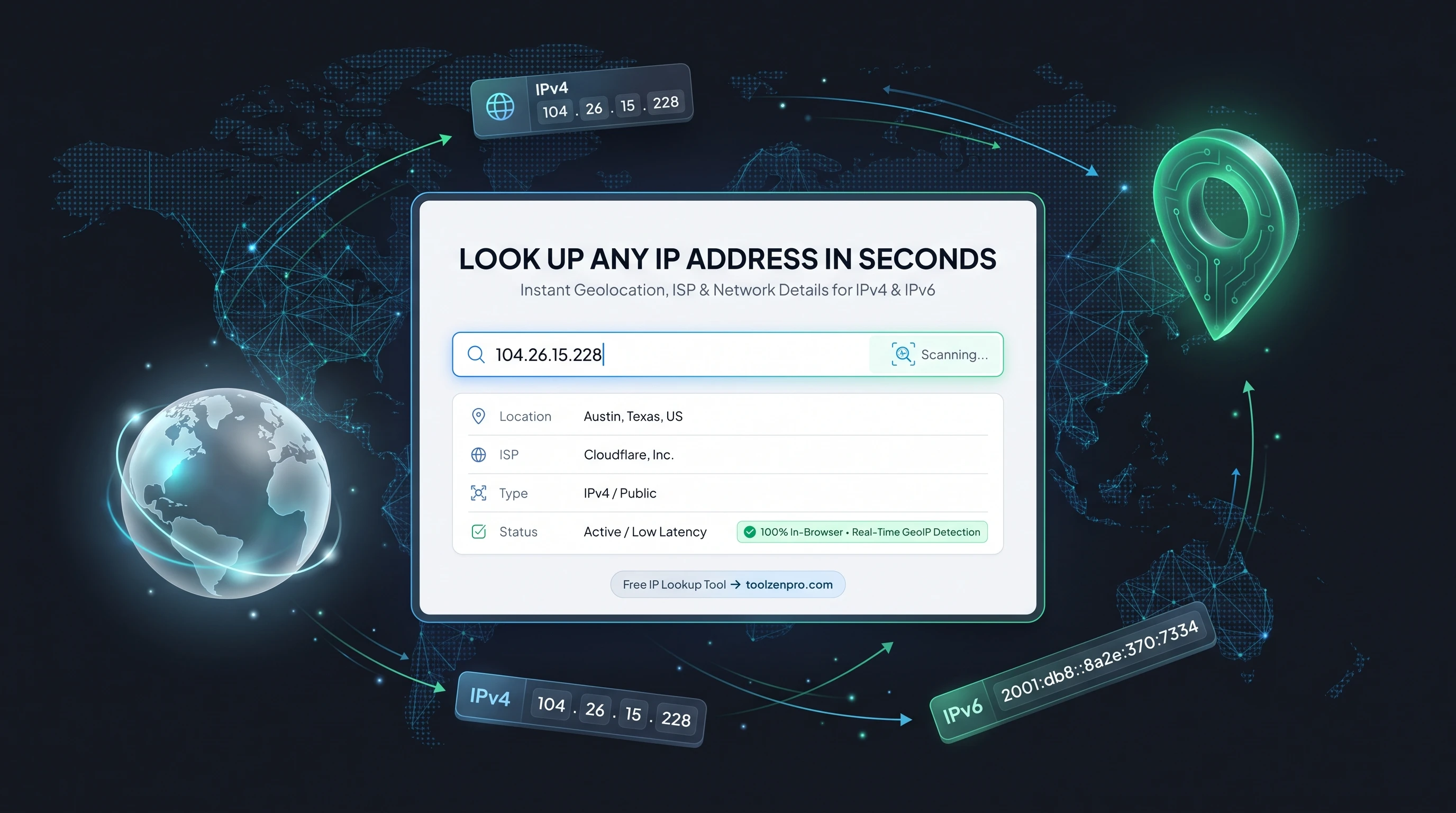
An unfamiliar IP address shows up in your logs and you want to know where it came from. Instead of guessing, a lookup tool tells you the country, provider, and rough location behind it in seconds, so you can decide whether it is friend, bot, or something worth blocking.
What an IP Lookup Tells You
An IP address carries clues about where a connection comes from: the country, region, internet provider, and rough location. Whether you are debugging network issues, checking your own address, or investigating suspicious traffic, an IP lookup surfaces those details fast.
It works for both IPv4 and IPv6 addresses, so you can inspect modern and legacy connections alike without digging through command-line tools.
The details come from public registries and geolocation databases that map address blocks to the organizations that own them. That is why a lookup can tell you the hosting company behind a server or the internet provider behind a home connection, even though it never touches the device itself.
How to Look Up an IP Address
Get details in three steps:
- See your own IP automatically, or
- Enter any address you want to check.
- Read the geolocation, ISP, and network details.
Open the IP Address Lookup Tool to inspect any address.
Your own address loads the moment you open the tool, which makes it a quick way to confirm what the outside world sees. Paste in a different address and the results refresh instantly, so checking a handful of IPs from a log takes only a few seconds each.
From Log Forensics to VPN Checks
The everyday use is making sense of server logs. When the same IP hammers your login page or an unfamiliar address downloads a file, a quick lookup tells you the country and provider so you can judge the risk and block a range if you need to. Support teams use it to confirm a user is connecting from where they claim.
It is also the fastest way to confirm a VPN is doing its job. Connect, run a lookup on your own address, and check that the country and ISP match the VPN server rather than your real location. If your true city shows up, the tunnel is leaking.
Server admins lean on it too, cross-referencing the ISP and region behind repeated failed logins or scraping attempts. Knowing whether traffic comes from a data center, a residential provider, or an unexpected country helps you decide what to block and what to trust.
Key Benefits
- IPv4 and IPv6: works with both formats.
- Location and ISP: country, region, and provider details.
- Instant results: no command line needed.
- Simple interface: just paste and look up.
- Free to use.
Frequently Asked Questions
Can it find someone's exact home address? No. IP geolocation is approximate, usually accurate to a city or region, not a street address.
Does a VPN change the result? Yes. A VPN or proxy shows its server's location, not yours.
Why look up my own IP? Handy for troubleshooting, whitelisting, and confirming your VPN works.
Does it work for IPv6? Yes. Both IPv4 and the newer IPv6 format are fully supported.
Network details are a click away. Use the free IP Address Lookup Tool to check any address in seconds and know exactly who is knocking.