
Turn Messy HTML Into Clean Markdown
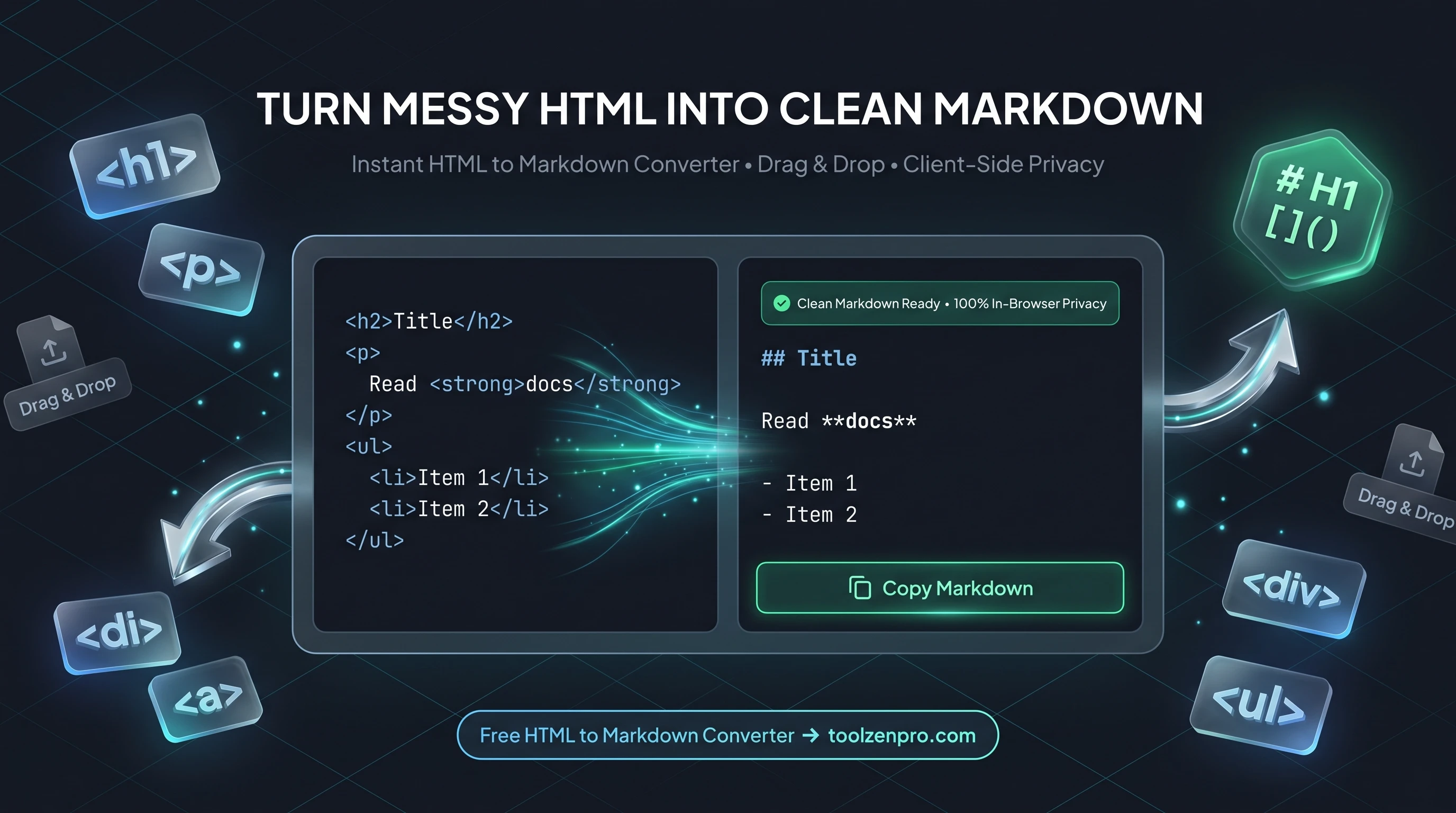
You copied content from a web page and got a tangle of HTML tags along with it. Now you want clean Markdown for your notes or your blog. Converting it by hand is tedious, and one missed closing tag throws off the whole document. A tool does it in one paste and hands you text that is ready to commit.
Why Convert HTML to Markdown
Markdown is clean, portable, and perfect for READMEs, static site generators, and documentation. HTML is verbose and full of tags. When you are migrating old content or pulling text out of a web page, converting HTML to Markdown saves hours of manual cleanup.
The right converter maps heading tags to hash symbols, bold and italic tags to their Markdown equivalents, and lists to clean dashes, so your content arrives ready to commit.
Markdown also ages well. A plain-text file with light syntax will open and render correctly a decade from now, long after a pile of nested divs and inline styles has become a maintenance headache. Moving content into Markdown is a way of future-proofing it.
How to Convert HTML to Markdown
Clean conversion in three steps:
- Paste your HTML or drag in your markup.
- Review the Markdown generated instantly.
- Copy it into your README, docs, or blog.
Try the HTML to Markdown Converter and turn tag soup into clean text.
Because the conversion runs the instant you paste, you can drop in a section, check how the headings and links translated, and adjust the source if needed, all without waiting on a server or reloading the page.
Perfect for Content Migration
Teams moving off an old CMS lean on this constantly. Export the old posts as HTML, run them through the converter, and you have Markdown files ready to drop into a static site generator like Hugo, Jekyll, or Next.js. What used to be a week of copy-paste becomes an afternoon.
It is just as handy for smaller jobs. Grabbing a formatted answer from a web page, pulling documentation into a wiki, or turning an email newsletter into a blog post all go faster when the tags convert to clean syntax automatically.
Writers who draft in a rich text editor but publish in Markdown get the best of both worlds here. Compose wherever you are comfortable, export or copy the HTML, and let the converter hand back tidy Markdown that slots straight into your repo or CMS without a round of manual formatting.
Key Benefits
- Clean output: headings, bold, italics, and lists map correctly.
- Great for migration: move web content into Markdown fast.
- Drag and drop: paste tags or drop a file.
- Private: conversion runs in your browser.
- Free to use.
Frequently Asked Questions
Does it handle inline styles and classes? It focuses on semantic tags and strips presentational noise, giving you clean Markdown.
Is the output GitHub compatible? Yes. The Markdown it produces follows standard syntax that renders correctly on GitHub and most other platforms.
Can I drop in a whole file? Yes. Drag an HTML file straight into the tool instead of pasting, and it converts the entire document.
Is my content uploaded? No. The conversion happens locally in your browser, so private content never leaves your device.
Stop hand-editing tag soup into clean text. Use the free HTML to Markdown Converter and get commit-ready Markdown in one paste.