
Turn Any Title Into a Clean URL Slug
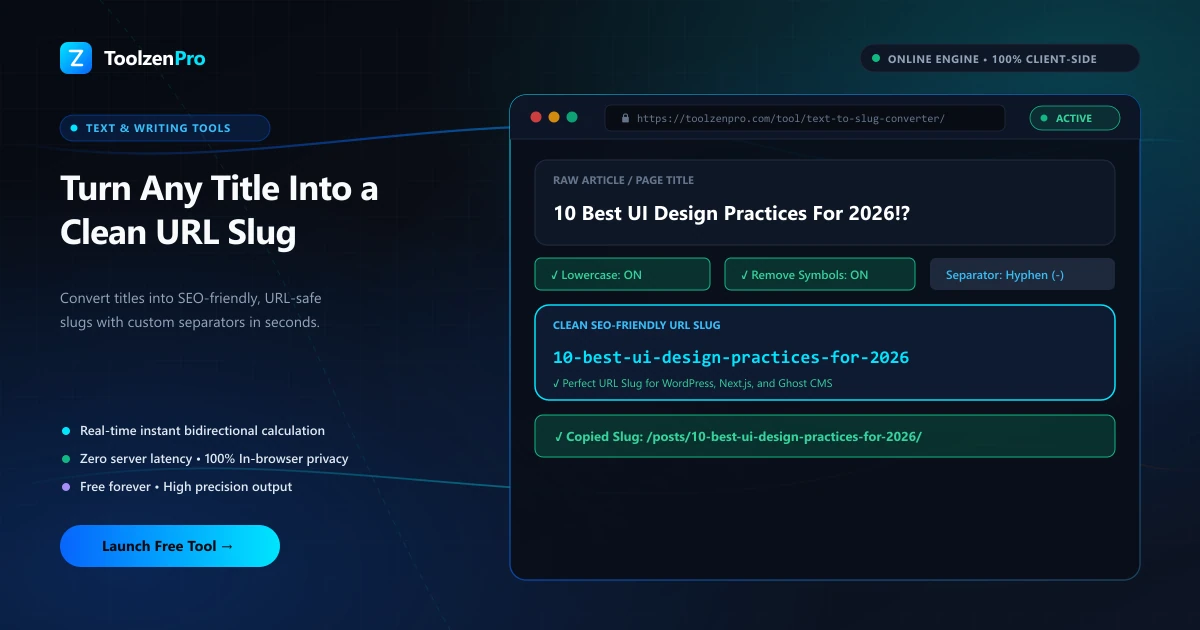
A messy URL full of spaces, capitals, and weird symbols looks sloppy and hurts your SEO. Turning a title into a clean slug by hand means fixing every space and stripping every odd character. A slug tool does it instantly, so your links stay tidy and shareable.
SEO-Friendly URLs Start With a Clean Slug
A URL slug is the readable part of a web address, like "my-blog-post" in a longer URL. Clean slugs help SEO and look professional, but titles are full of spaces, capitals, and punctuation that need to be stripped and formatted correctly before they belong in a link.
A slug converter turns any headline into a lowercase, hyphenated, URL-safe string instantly, handling accents and special characters so your links stay clean. What would be a fiddly find-and-replace job becomes a single paste.
How to Use This Tool
Create a slug in three steps:
- Paste your title or phrase.
- Pick a separator like a hyphen.
- Copy the clean slug.
Open the Text to Slug Converter to build SEO-friendly URLs.
The slug updates the moment you paste, so you can tweak the wording of a title and immediately see the resulting link. That makes it easy to shorten a slug or drop filler words before you publish. Seeing the finished link update as you type takes the guesswork out of getting a slug right the first time.
Why Clean Slugs Matter for Search
Search engines and readers both prefer descriptive, readable URLs. A slug that clearly states the topic gives search crawlers another signal about the page and gives people a link they can actually understand before they click. A string of random characters or encoded spaces does neither.
Clean slugs also travel better. They look tidy when shared in a message, an email, or a social post, and they avoid the ugly percent-encoding that appears when spaces and symbols sneak into a URL. For anyone publishing on a blog or CMS, getting the slug right is a small step with an outsized payoff.
Consistent slugs matter across a whole site, not just a single post. When every URL follows the same lowercase, hyphenated pattern, your links stay predictable, easier to manage, and less likely to break when shared or bookmarked. Fixing a messy slug after a page is live can mean setting up redirects to avoid losing traffic, so building it clean the first time avoids a headache down the road. A quick pass through the converter before you publish is cheap insurance against that.
Key Benefits
- URL-safe output: lowercase and hyphenated.
- Handles accents and special characters.
- Great for CMS and blog platforms.
- Instant and free.
- Private in your browser.
Frequently Asked Questions
What makes a good slug? Short, lowercase, hyphen-separated, and free of special characters.
Does it work with WordPress? Yes, the output drops straight into any CMS slug field.
Is my text stored? No, everything runs locally in your browser.
Should I include stop words? Trimming small filler words often makes a slug shorter and cleaner, but the choice is yours.
Turn any title into a clean, SEO-ready URL in one step. Use the free Text to Slug Converter now.