
Shrink Your CSS and Speed Up Your Site
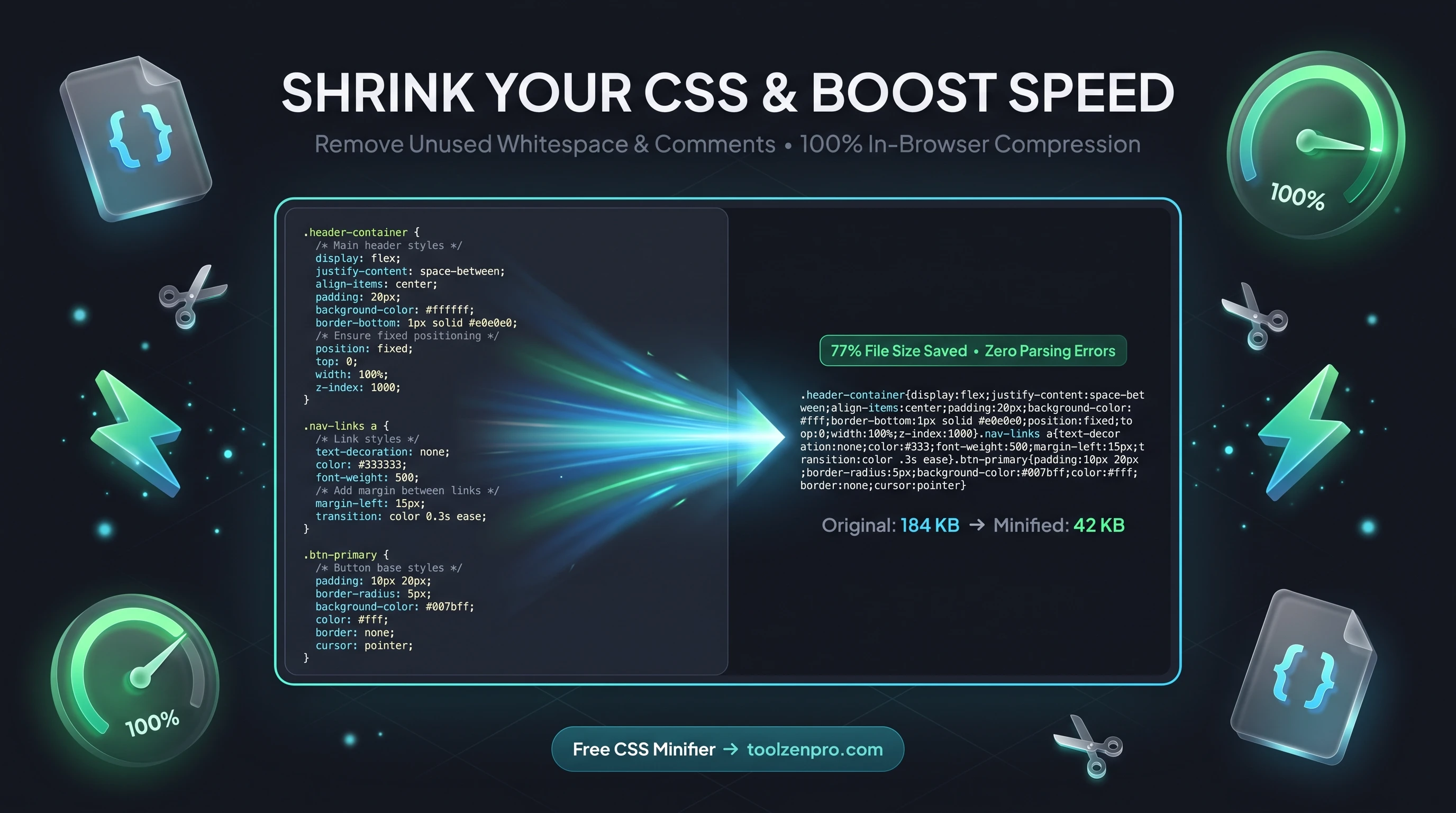
Every extra kilobyte in your stylesheet is a little more wait time for your visitors. All that whitespace and those comments help you while coding, but they mean nothing to the browser. Strip them out and your pages load faster, with no change to how anything looks.
Every Byte of CSS Costs You Speed
Your stylesheet loads on every single page. All those comments, line breaks, and spaces you added for readability are dead weight in production. They do nothing for the browser and everything to slow the download.
Minifying CSS strips all of that out, often shrinking the file by a meaningful chunk. The result is faster rendering, better Core Web Vitals, and a snappier experience for every visitor, especially on mobile connections.
The effect is amplified because CSS blocks rendering. A browser will not paint your page until it has downloaded and parsed the stylesheet, so a leaner file means visitors see content sooner. On a slow phone connection, trimming even a few kilobytes off a render-blocking resource is a visible win.
How to Minify Your CSS
Compress your stylesheet in seconds:
- Paste your raw CSS into the box.
- Minify to strip whitespace, comments, and line breaks.
- Copy the compressed output into your production build.
Open the CSS Minifier Online and lighten your stylesheet now.
Because the minifier runs instantly, it is easy to fit into your release routine. Keep your commented, well-spaced source for editing, and paste it in for a quick compress right before you push to production. No build pipeline required.
A Quick Win Before Any Build Step
Not every project has a bundler wired up. If you are hand-editing a stylesheet for a landing page, a client site, or an email template, a one-click minifier is the fastest way to ship something lean without configuring tooling. You get most of the payoff of a build step with none of the setup.
It pairs naturally with other speed work too. Minify your CSS, compress your images, and defer non-critical scripts, and a sluggish page turns responsive. Each change is small, but together they move the needle on the metrics search engines actually reward.
There is a caching benefit as well. A smaller stylesheet is quicker to serve from a CDN edge and cheaper to transfer to every returning visitor. Multiply a modest saving across thousands of page views a month and the bandwidth you trim adds up to a real, measurable difference.
Key Benefits
- Smaller files: removes comments, whitespace, and newlines.
- Faster pages: less to download and parse.
- Better SEO: speed is a ranking factor.
- Private: your code never leaves the browser.
- Free and instant.
Frequently Asked Questions
Will minifying break my styles? No. It only removes characters browsers ignore, so your styles behave identically.
Should I keep an unminified copy? Yes, keep your readable source for editing and minify the production version.
Is my CSS uploaded? No. Minification runs locally in your browser.
How much smaller will my file get? It depends on how many comments and how much spacing you use, but heavily commented stylesheets often shrink substantially.
Faster sites rank better and convert better. Use the free CSS Minifier to trim your stylesheet in one click and speed up every page it touches.