
Shrink JPGs to WebP Without Losing Quality
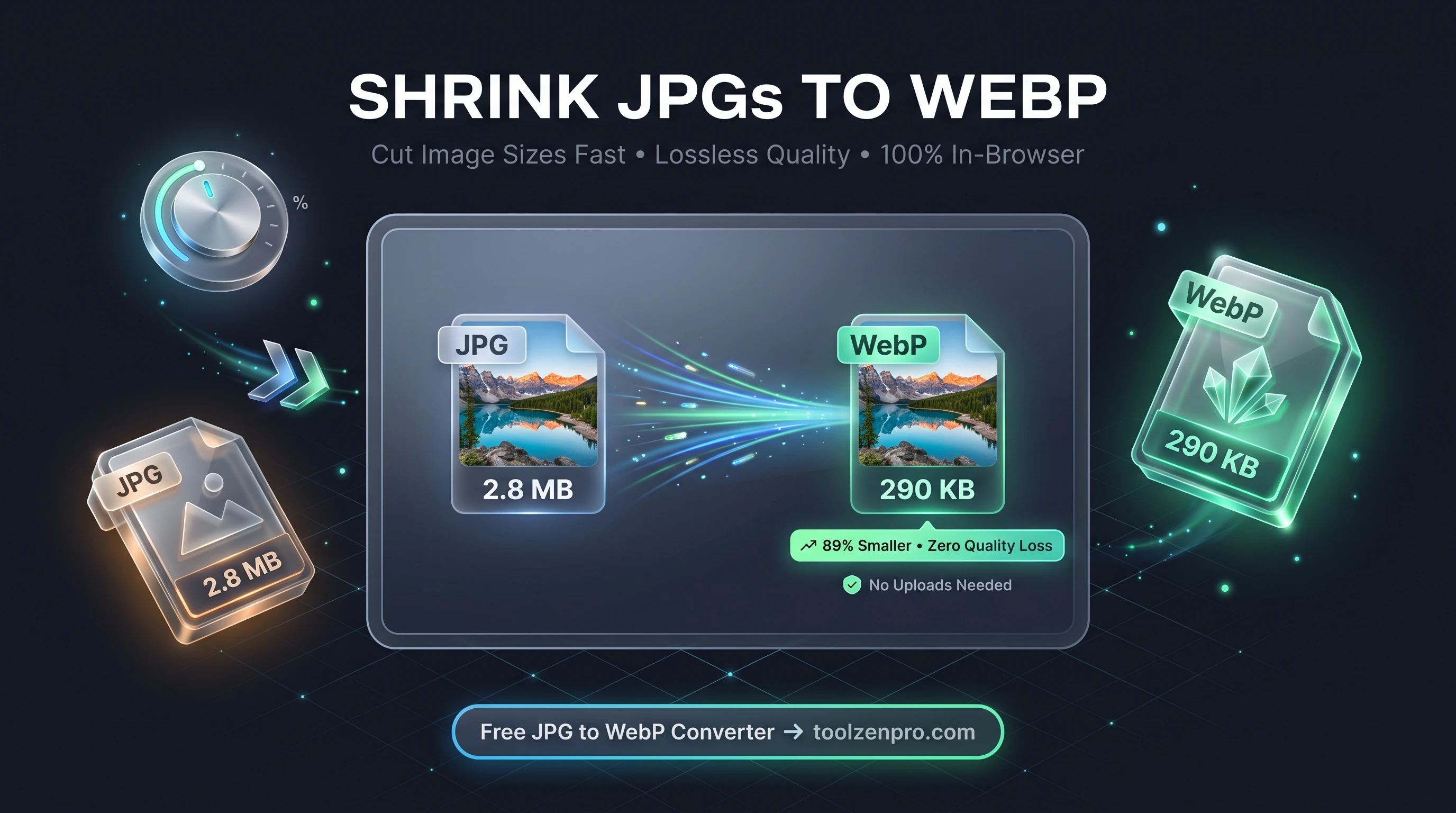
Slow-loading images are quietly killing your page speed. If your site is full of heavy JPGs, visitors bounce before your content even shows up. The fix is simpler than you think, and it does not cost a dime. A few seconds of conversion can shave megabytes off a single page.
Why WebP Beats JPG for the Web
WebP was built for the modern web. It routinely delivers files 25 to 35 percent smaller than a JPG at the same visual quality. Smaller images mean faster pages, better Core Web Vitals, and happier visitors who do not bounce while a hero image crawls in.
For anyone running a US-based store, blog, or portfolio, that speed gap is real money. Google uses page experience as a ranking signal, and shoppers abandon slow product pages. Converting your JPGs to WebP is one of the easiest wins available.
The savings compound across a whole site. Trim thirty percent off every product photo on a store with hundreds of listings and you cut real bandwidth, lower hosting costs, and give mobile shoppers on slower connections a page that actually loads before they give up.
How to Convert JPG to WebP
The process is fast and completely local:
- Drop your JPG files into the converter, or select them from your device.
- Batch as many as you need at once to save time.
- Let the browser convert them instantly using HTML5 canvas.
- Download your WebP files with the original names preserved.
Start now with the JPG to WebP Converter and shrink a whole folder in one go.
When to Reach for WebP
WebP shines anywhere images have to load over a network. Product galleries, blog featured images, portfolio thumbnails, and email header graphics all benefit from the smaller footprint. If you manage a WordPress site or a headless storefront, converting before upload keeps your media library lean from day one.
It is also a smart move before you run a Lighthouse or PageSpeed audit. Oversized JPGs are one of the most common flags those tools raise, and swapping in WebP often clears the warning without any other changes to your code.
Best of all, you keep full control over the originals. Convert copies for the web while your master JPGs stay untouched on your drive, so you never trade away quality you might need later for print or editing.
Key Benefits
- Smaller files: typically 25 to 35 percent lighter than JPG.
- Batch processing: convert dozens of images at once.
- Client-side privacy: photos never leave your browser.
- Keeps file names: no messy renaming afterward.
- Faster load times: better SEO and user experience.
Frequently Asked Questions
Will I lose image quality? No. WebP keeps near-identical visual quality while cutting file size, so the difference is invisible to the eye.
Do all browsers support WebP? Yes. Every major modern browser, including Chrome, Edge, Firefox, and Safari, displays WebP natively.
Are my photos uploaded anywhere? Never. The conversion runs entirely inside your browser, so your images stay private.
Can I convert a whole folder at once? Yes. Batch processing lets you drop in many files and download them all as WebP in a single pass.
Faster pages start with lighter images. Convert your photos once and feel the speed difference immediately. Use the free JPG to WebP Converter to optimize your images in seconds.