
Reverse Any Text Instantly, No Effort
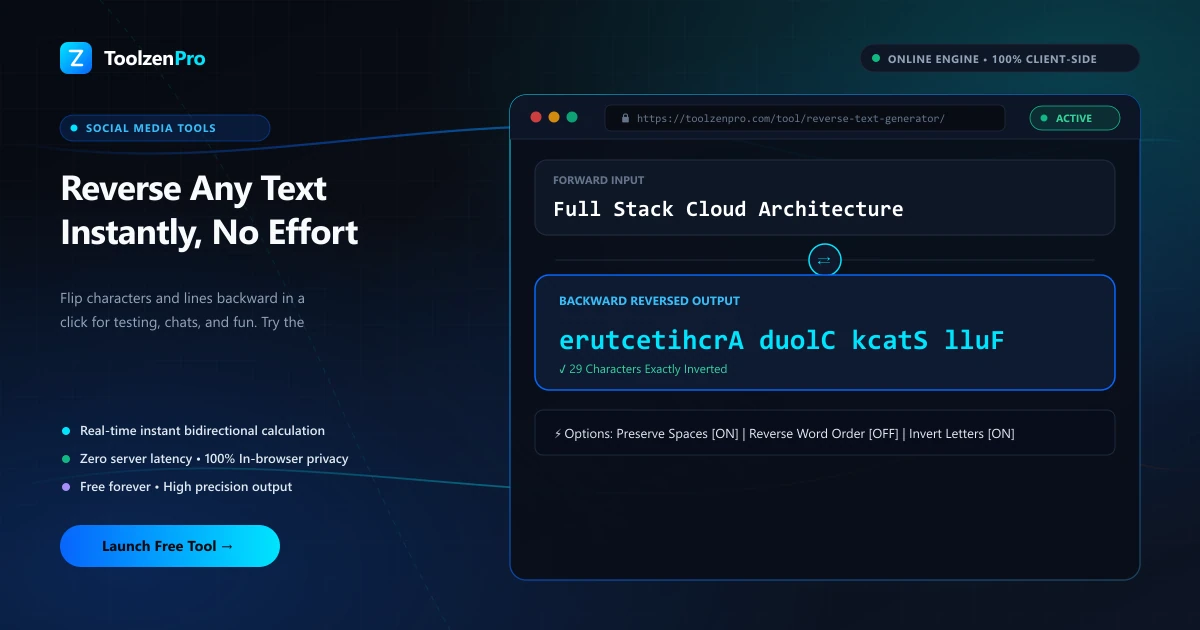
Reversing text by hand is a headache. You lose your place, skip a letter, and start over. Whether you need it for a coding test, a puzzle, or just messing with a friend, a reverse text tool nails it every time, no matter how long the string.
Flip Your Text Back to Front
Reversing text is handy for puzzles, testing, creative posts, and checking palindromes. You might want the characters reversed ("hello" to "olleh") or the lines reversed in order. Doing either by hand is tedious and error-prone with longer text.
A reverse text generator does it instantly. Paste your text, choose whether to reverse characters or lines, and copy the result.
Having both modes in one tool matters more than it first appears. Reversing characters scrambles each word into its mirror spelling, while reversing lines keeps the words intact but flips their order top to bottom. They solve completely different problems, and picking the right one is half the job.
How to Use This Tool
Reverse text in three steps:
- Paste your text.
- Choose character or line reversal.
- Copy the reversed output.
Open the Reverse Text Generator to flip any text instantly.
Because it handles the whole block at once, length is never an issue. Paste a single word or a hundred lines, pick your mode, and the reversed result comes back complete, with nothing skipped and no place lost midway.
From Code Tests to Playful Messages
Developers use it as a quick sanity check. Reversing a string is a classic coding exercise, and having a reliable reference output makes it easy to confirm your own function is behaving. Reversing line order is just as useful for flipping a log or a list without writing a script.
Outside of code, it is simply fun. Send a friend a message they have to decode, build a reversed puzzle, or test whether a phrase is a true palindrome by comparing it to its reverse. The same tool covers the serious and the silly.
Line reversal has its own everyday uses. Flipping the order of a chat export, a chronological log, or a list so the newest entry sits on top saves you from re-sorting by hand. Because you can switch between character and line mode in the same place, you never have to reach for a second tool when the task changes. That flexibility is what makes it worth keeping bookmarked, since the same page handles a quick coding check one minute and a reordered list the next.
Key Benefits
- Two modes: reverse characters or lines.
- Instant results with no manual work.
- Great for puzzles and testing.
- Mobile friendly and free.
- Private in your browser.
Frequently Asked Questions
Can it reverse line order? Yes, choose line mode to flip the order of lines.
Does it help with palindromes? Yes, reverse the text and compare it to the original.
Is my text stored? No, everything runs locally in your browser.
What is the difference between the two modes? Character mode reverses the letters within the text, while line mode keeps words intact and flips the order of the lines.
Reverse characters or lines with zero effort. Use the free Reverse Text Generator now and flip any text in a click.