
Need Filler Text? Generate It in One Click
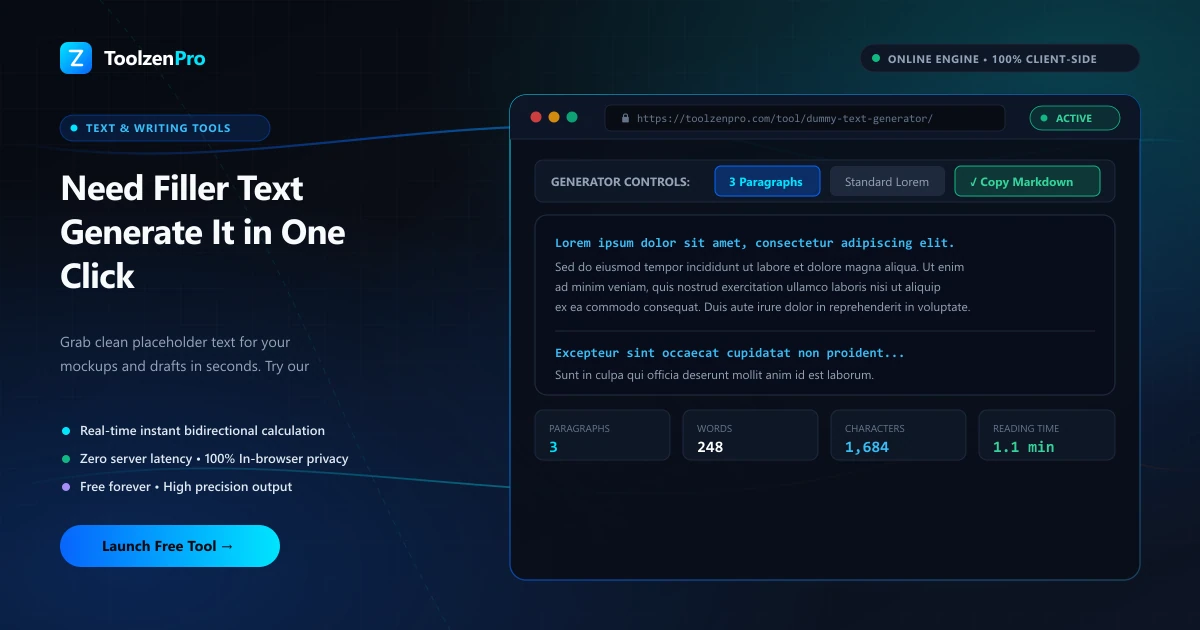
You're deep in a design and you just need words to fill the space. Not real words. Just something that looks right so you can see how the layout breathes. Typing random keys gets old fast, and pasting the same paragraph over and over looks obviously fake. A dummy text generator hands you clean placeholder copy the moment you need it.
Placeholder Text on Demand
Designers and developers need filler text constantly. You are mocking up a layout, testing a template, or checking how a card looks with real-ish content, and Lorem Ipsum is the classic stand-in. Typing or hunting for it every time is a waste of the momentum you build while designing.
A dummy text generator produces words, sentences, or full paragraphs instantly, in the amount you need, so you can drop realistic filler into any mockup and move on. The point of placeholder text is that it looks like content without pulling focus. Real copy tempts everyone in the room to start editing wording when they should be judging spacing, hierarchy, and flow. Neutral filler keeps the review on the design.
How to Use This Tool
Generate filler in three steps:
- Choose words, sentences, or paragraphs.
- Set how many you need.
- Copy the text into your mockup.
Open the Dummy Text Generator to create placeholder text on demand.
Because you control the length, you can match the filler to the real content that will eventually live there. Generate a short burst for a button label or a heading, a sentence or two for a card, or several paragraphs for an article body, so the mockup reflects the true shape of the finished page.
Where Filler Text Earns Its Keep
Placeholder copy shows up all over a real workflow. UI designers pour it into Figma frames and component libraries, front-end developers seed templates with it while wiring up layouts, and content teams use it to reserve space in a draft before the final words are written. Anywhere structure comes before copy, filler keeps things moving.
It is also a stress test. Fill a design with more text than you expect and you find out fast whether a card overflows, a heading wraps badly, or a column collapses on mobile. Catching those layout problems early with generous filler is far cheaper than discovering them after the real content lands.
It is just as useful for client work. Dropping in neutral placeholder copy keeps stakeholders focused on the design instead of critiquing half-written marketing lines, so feedback stays on layout and hierarchy until the real words are ready.
Key Benefits
- Flexible output: words, sentences, or paragraphs.
- Custom length for any layout.
- Instant copy into your design.
- Free and unlimited.
- Private in your browser.
Frequently Asked Questions
What is Lorem Ipsum? Classic placeholder text used to fill layouts without distracting readers with real content.
Can I control the amount? Yes, choose the count of words, sentences, or paragraphs.
Is anything stored? No, the text is generated locally in your browser.
Why not just use real content? Real copy pulls attention to wording during design reviews. Neutral filler keeps everyone focused on layout and structure until the final text is ready.
Fill any mockup with placeholder text in one click. Use the free Dummy Text Generator now and keep your design work moving.