
Nail the Twitter Limit Every Single Time
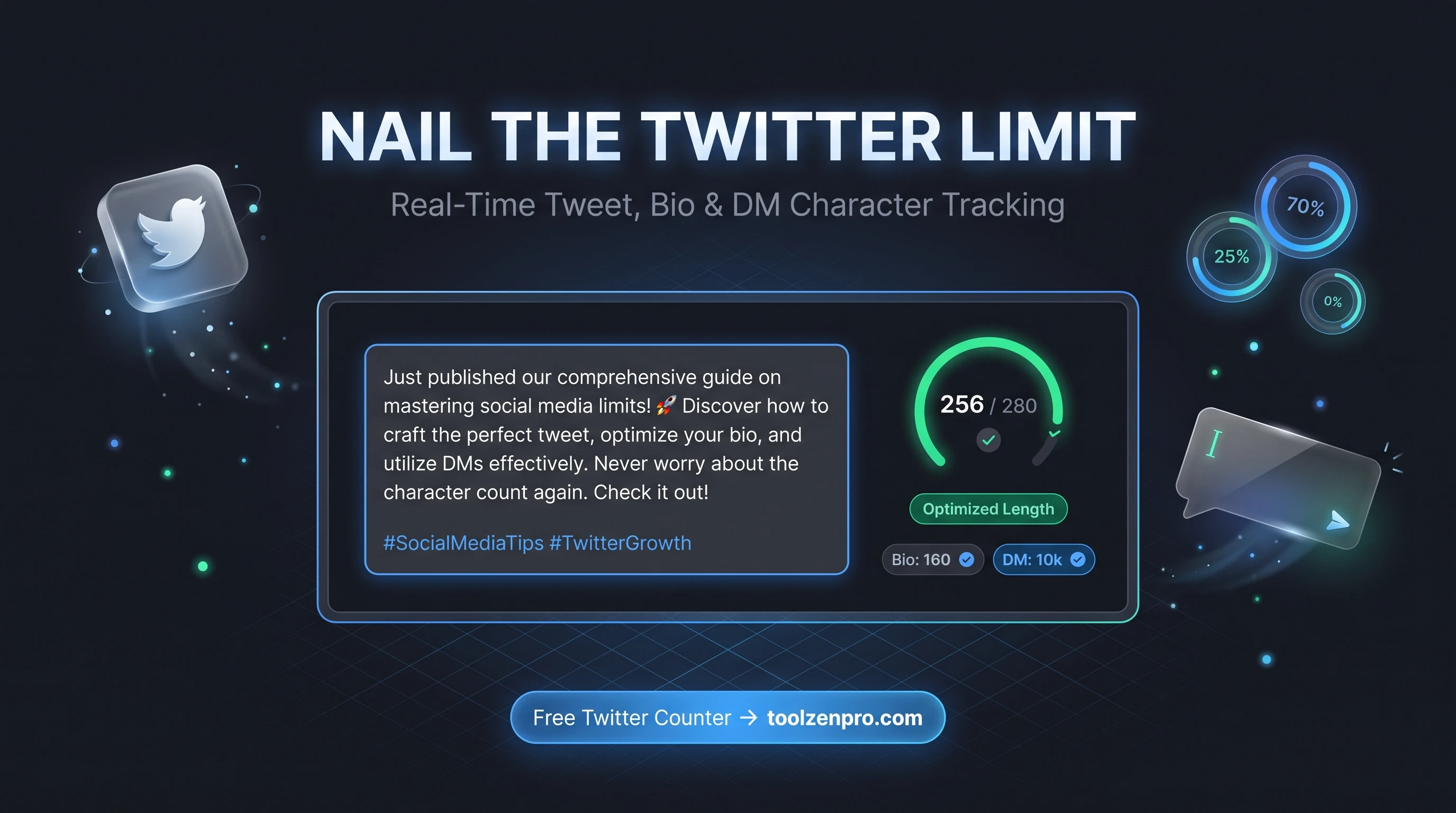
You crafted the perfect tweet, hit post, and got that annoying red overflow. Now you are chopping words and losing the punchline. A live character counter kills that problem before it starts, so your best line survives to the send button.
The 280-Character Tightrope
Twitter, now X, gives you 280 characters and not one more. Go over and your post gets cut or blocked. Come in too short and you waste the reach. Nailing that limit every time is the difference between a tweet that lands and one that never ships.
It gets trickier with links, since URLs count as a fixed length no matter how long they really are, and with bios and DMs that have their own limits. A dedicated counter keeps all of it straight so you never guess.
Emojis and non-Latin characters add another wrinkle. Some count as more than one unit, which is exactly the kind of surprise that turns a ready-to-post tweet into a scramble. A counter that mirrors the real rules saves you from editing in a panic.
How to Use the Twitter Character Counter
Stay under the limit in three steps:
- Type or paste your tweet into the counter.
- Watch the live count and the remaining characters.
- Trim and copy once you are safely under 280.
Check your next post with the Twitter Character Counter before you hit send.
The count updates as you type, so you can watch the number climb and stop at exactly the right spot. No refreshing, no copy-pasting into the app just to see if it fits. You draft, you trim, you post, all in one place.
Write Tighter, Punchier Posts
The limit is not just a wall to avoid, it is a discipline that makes your writing sharper. When you can see the remaining count tick down, you naturally cut filler words and lead with the point. The best-performing posts are often the ones trimmed hardest.
It also helps with threads. Plan each tweet to sit comfortably under the cap with room for a reply hook, and your thread reads smoothly instead of breaking awkwardly across posts. Marketers drafting campaigns use the counter to keep every line on-brand and on-length.
Accuracy You Can Rely On
The value of a live counter is that it removes doubt at the exact moment you need certainty, right before you hit post. Instead of eyeballing a draft and hoping, you watch the remaining number and know precisely how much room is left for a hashtag, a mention, or a link.
That confidence pays off across every field on the platform. Whether you are polishing a bio, drafting a DM, or fine-tuning a reply, the same real-time feedback keeps you inside the cap without a single wasted rewrite.
Key Benefits
- Exact 280 tracking: including how URLs are counted.
- Bio and DM limits: check every field, not just tweets.
- Live remaining count: know instantly if you are over.
- Private: your drafts stay in your browser.
- Free and instant: no login required.
Frequently Asked Questions
How are links counted? Twitter counts every URL as a fixed length, and the tool reflects that so your count stays accurate.
Can I check my bio too? Yes, it supports tweet, bio, and DM limits.
Is my draft stored? No. Everything runs client-side in your browser.
Do emojis count as one character? Not always. Some emojis and special characters take up more than one unit, and the counter accounts for that.
Never get cut off mid-thought again. Use the free Twitter Character Counter and post with confidence every time.