
MiB to GB: The Conversion Techies Trust
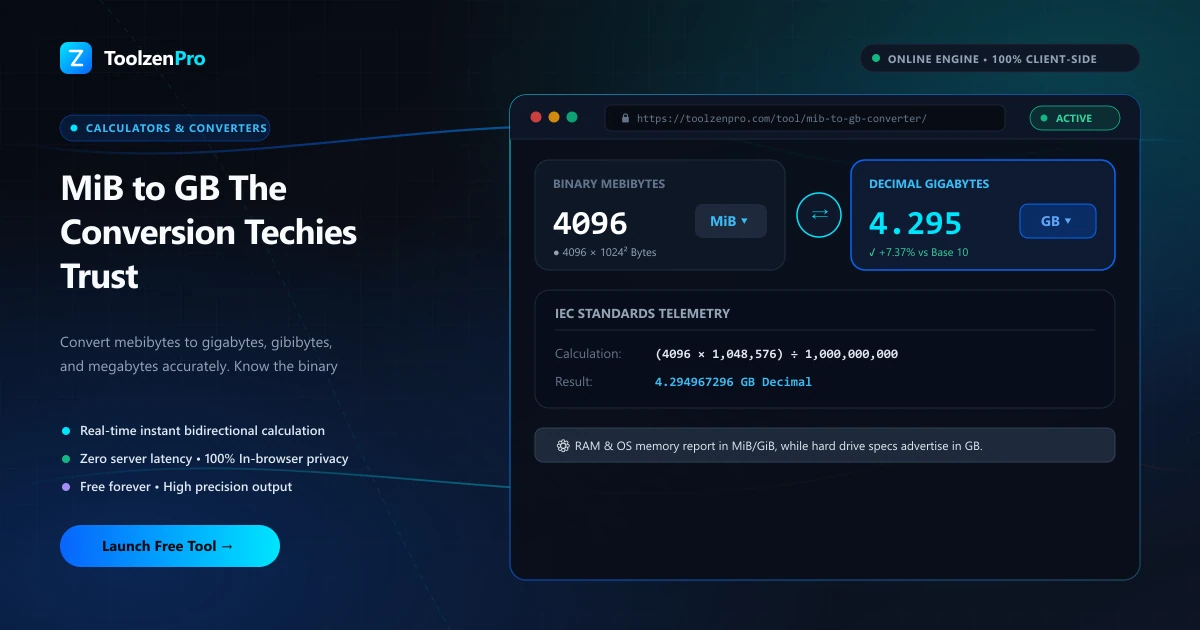
Ever wonder why your "1 TB" drive shows up as less once it's plugged in? It's the binary-versus-decimal size gap, and MiB is right at the heart of it. If you work with storage specs, backups, or server capacity, this is the one conversion worth getting exactly right.
The Binary vs Decimal Gap Explained
Ever wonder why a 1 TB drive shows up as about 931 GB on your computer? That is the binary-versus-decimal gap. Manufacturers advertise in decimal (1 GB = 1,000 MB), while operating systems often count in binary units like MiB and GiB (1,024-based). Neither is wrong, they are just two different conventions sharing similar-looking names.
For engineers, sysadmins, and anyone reading real system output, converting mebibytes accurately matters. A MiB-aware converter shows GB, GiB, and MB together so the numbers finally line up.
The confusion is baked into decades of history. Early computing rounded 1,024 to "about a thousand" and reused the kilo, mega, and giga prefixes, so a megabyte sometimes meant 1,000,000 bytes and sometimes 1,048,576. The MiB and GiB units were introduced precisely to end that ambiguity, giving binary sizes their own unmistakable names.
How to Use This Tool
Convert binary sizes precisely:
- Enter the value in mebibytes (MiB).
- Read GB, GiB, and MB side by side.
- Copy the figure you need.
Open the MiB to GB Converter for accurate binary-to-decimal results.
Seeing all the units at once is the real time-saver. When a monitoring dashboard reports memory in MiB but your capacity plan is written in GB, you can read both from a single conversion instead of juggling two mental models of what a gigabyte means.
Where the Difference Actually Bites
The gap matters most when small percentages add up. On a single laptop drive, the 7 percent difference between advertised and reported capacity is a mild annoyance. Across a rack of servers or a multi-terabyte backup plan, that same percentage is real storage you either have or do not, and misjudging it can leave a job failing at 2 a.m. when a volume fills up.
It also shows up in RAM, network throughput, and cloud billing, where providers may quote one convention while your tools report another. Converting deliberately, rather than assuming the numbers match, keeps capacity planning honest and prevents nasty surprises down the line.
RAM adds one more twist. Memory is sold and addressed in binary units, so a 16 GiB module is genuinely 16 gibibytes, while a drive labeled 16 GB is decimal. Seeing MiB, GiB, and MB together in one place is the quickest way to keep memory and storage figures straight when they sit side by side in the same spec sheet.
Key Benefits
- Binary-aware: handles MiB and GiB correctly.
- Multiple units: GB, GiB, and MB at once.
- Explains the gap: understand advertised vs actual.
- Free and mobile ready.
- Private in your browser.
Frequently Asked Questions
What is the difference between MiB and MB? MiB is binary (1,024 KiB); MB is usually decimal (1,000 KB).
Why does capacity look smaller in my OS? Because the OS counts in binary while the label uses decimal.
For decimal-only sizes, use the MB to GB Converter.
Is my input stored? No. The conversion runs entirely in your browser, so nothing is uploaded or saved.
Line up the binary and decimal numbers for good. Use the free MiB to GB Converter now and stop second-guessing your storage specs.