
MB to GB: Stop Guessing at File Sizes
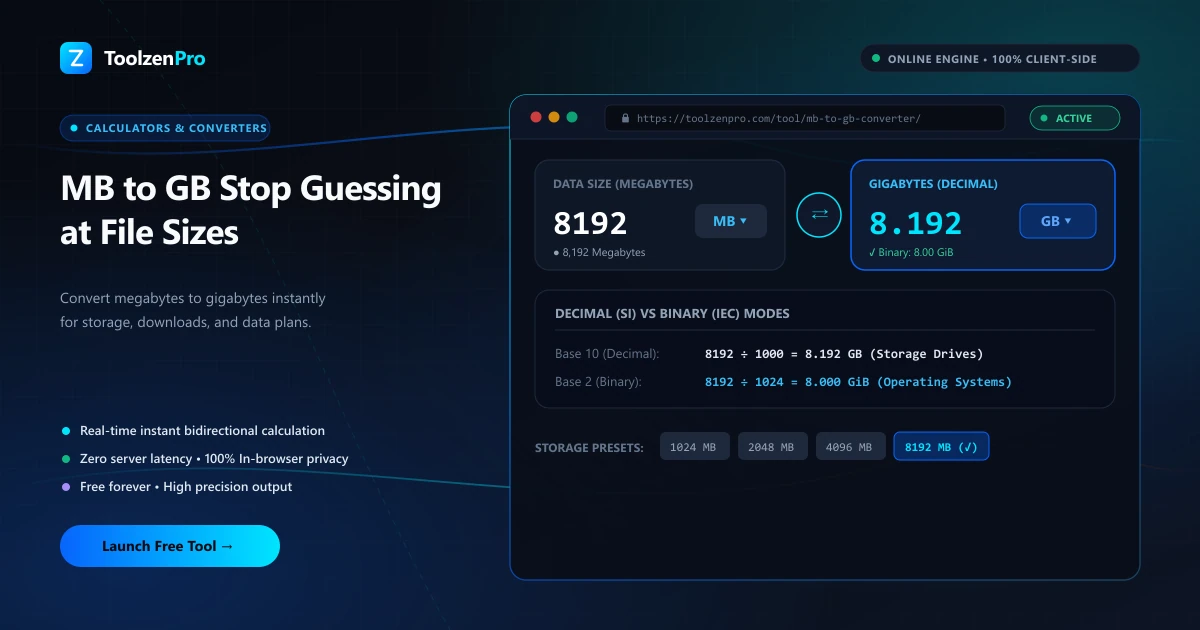
Your phone says you have used 4,500 MB of data. Your plan is 5 GB. Are you close to the limit? Storage and data numbers jump between MB and GB constantly, and it is easy to lose track. Here is the quick fix that takes the mental math out of it.
Making Sense of Storage Numbers
Your phone says a video is 2,400 MB. Your cloud plan is measured in GB. Is that video going to fit? Storage jumps between megabytes and gigabytes constantly, and doing the division in your head is easy to get wrong.
There is also the decimal-versus-binary question: most consumer specs treat 1 GB as 1,000 MB. A clear converter uses the standard you expect and gives you a clean answer so you can plan storage without second-guessing.
These numbers pile up fast. A folder of phone videos, a game download, and a photo backup are all quoted in megabytes, while your drive and your data plan are sold in gigabytes. Converting between the two is the only way to know at a glance whether everything actually fits.
How to Use This Tool
Convert file sizes fast:
- Enter the size in megabytes.
- Read the gigabytes instantly.
- Copy the value for your storage plan or report.
Open the MB to GB Converter to check any file or drive size.
The result updates as you type, so you can test a few sizes in a row without clearing the field. It is the fastest way to add up a batch of downloads or confirm a backup will squeeze into the space you have left.
Data Plans, Downloads, and Drives
The everyday wins are obvious once you start converting. Track a mobile data plan by adding up the megabytes each app reports and comparing against your gigabyte cap. Check whether a game or software download will fit the free space on a drive. Tally a set of attachments before emailing them.
It also clears up the confusion when advertised storage does not match what your computer reports. If you work with true binary sizes, the MiB to GB Converter handles the 1,024-based math that operating systems use. Knowing which standard applies is what stops a download or a backup from mysteriously not fitting the space you thought you had. A quick check up front beats discovering the shortfall halfway through a transfer.
Key Benefits
- Instant division: no mental math.
- Clear standard: decimal MB to GB as expected.
- Storage planning: know what fits.
- Mobile ready and free.
- Private in your browser.
Frequently Asked Questions
How many MB in a GB? 1,000 MB in the decimal standard used by most storage specs.
Why does my drive show less space? Operating systems often use binary (1,024), so advertised and actual sizes differ. See the MiB to GB Converter for binary sizes.
Are my numbers stored? No, the conversion runs locally.
Is MB or GB bigger? A gigabyte is larger; it takes 1,000 megabytes to make one gigabyte in the decimal standard.
Know exactly how your files stack up in gigabytes. Use the free MB to GB Converter now and stop guessing whether it will fit.