
Make Ugly JavaScript Readable Again
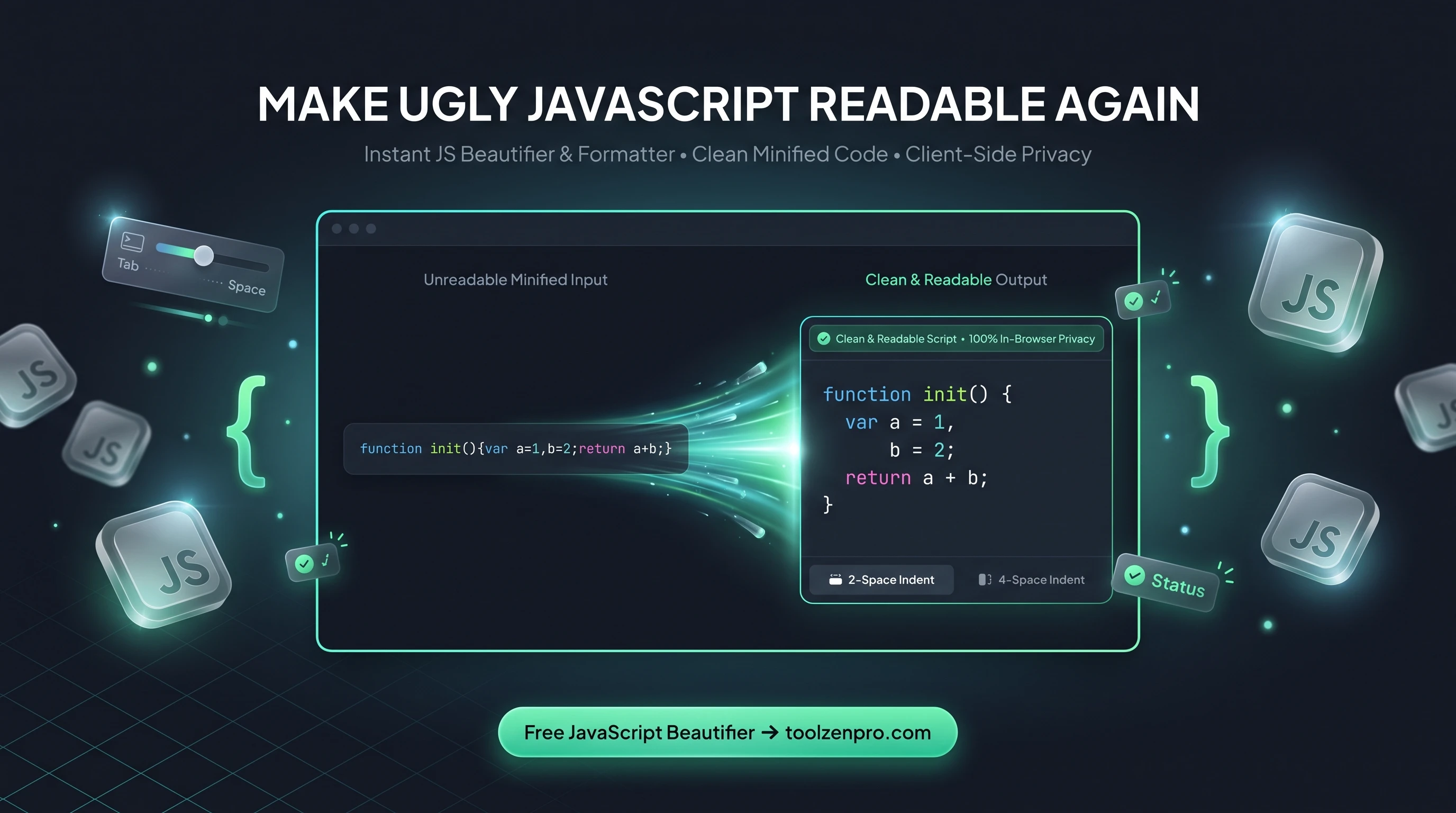
You open a file and it is one endless line of minified JavaScript. Reading it is hopeless and editing it is worse. A beautifier untangles that mess into clean, indented code you can actually work with, so you can debug and understand it instead of squinting at it.
When JavaScript Becomes Unreadable
Minified or compressed JavaScript is a single dense line with no spacing and cryptic formatting. Trying to debug it, learn from it, or audit it is painful. You need it beautified back into a structure a human can actually follow.
A JavaScript beautifier restores indentation, line breaks, and consistent spacing so the logic becomes visible again. It is the fastest way to make sense of a script you did not write or one your build tool crushed.
This comes up more often than you would think. You inspect a third-party widget, copy a snippet from a live site, or open a bundled file to trace a bug, and it is all one unreadable line. Beautifying it first means you can follow the control flow before you try to change anything.
How to Beautify JavaScript
Clean up any script quickly:
- Paste your messy or minified JS into the input.
- Choose your indentation style.
- Copy the readable, formatted code back out.
Try the JavaScript Beautifier Online and make that script readable again.
The formatting applies instantly, so you can paste a huge minified blob and immediately scroll through a properly nested version. From there it is easy to copy just the function you care about into your editor for a closer look.
Read, Debug, and Learn From Any Script
Beautified code is the starting point for real work. Once the indentation is back, your editor's syntax highlighting and bracket matching start helping again, and a stray missing brace becomes obvious instead of invisible. Debugging a formatted file is night and day compared to hunting through one long line.
It is also a great learning aid. When you find a clever technique on a production site, beautifying the source lets you study how it actually works. The structure reveals the intent that minification stripped away.
Code reviewers and auditors get value here too. Before you can judge whether a third-party script is safe or efficient, you have to be able to read it. Beautifying turns an opaque one-liner into something you can actually scan for red flags, trace through, and reason about with confidence.
Key Benefits
- Instant formatting: proper indentation and spacing.
- Custom indents: match your team style.
- Easier debugging: spot syntax issues fast.
- Private: your code stays in the browser.
- Free to use.
Frequently Asked Questions
Can it un-minify production code? Yes. It restores readable formatting, though variable names stay as the minifier left them.
Does it change how my code runs? No. Beautifying only affects formatting, not behavior.
Is my code uploaded? No, everything runs client-side.
Will it fix broken code? It formats what you give it, which makes syntax errors far easier to spot, but it does not rewrite logic for you.
Readable code is debuggable code. Use the free JavaScript Beautifier to clean up any script in seconds and get back to actually understanding it.