
JPEG to WebP: The Easy Speed Upgrade
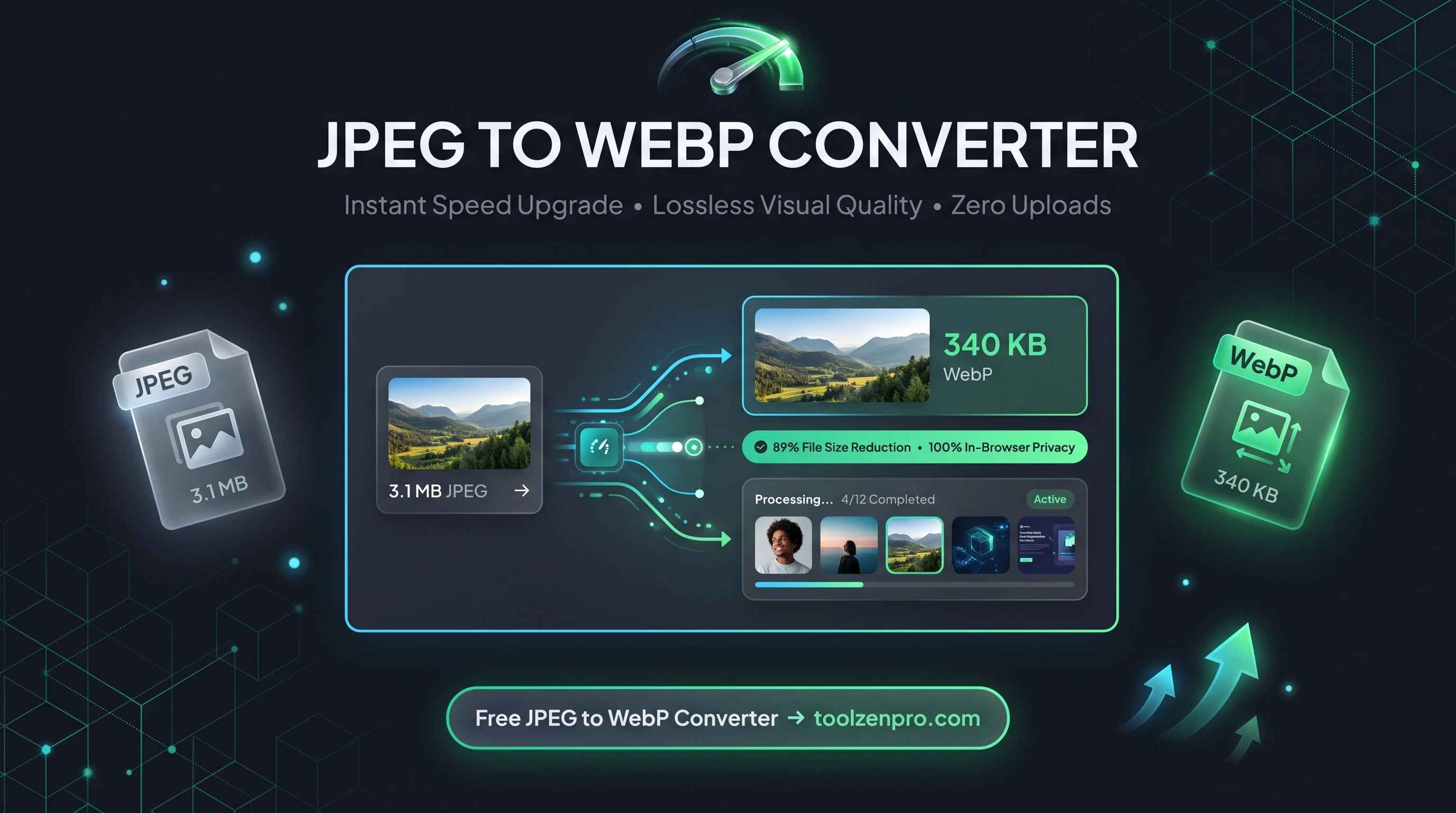
You snapped a great photo, but the JPEG file is bloated and slow to load online. Sound familiar? Converting to WebP is the quiet trick that photographers and site owners use to keep things fast without sacrificing how the image looks.
The Fastest Image Upgrade You Can Make
Camera exports and stock photos almost always land as JPEG, and they are usually far larger than they need to be. A single high-resolution JPEG from a phone or DSLR can weigh several megabytes, which is brutal for a web page.
Converting JPEG to WebP is the simplest speed upgrade in your toolkit. Same photo, same quality, dramatically smaller file. Your gallery, blog, or shop loads faster without you touching a single line of code.
Because WebP was designed for the web, it handles the detailed color gradients in real photos better than older formats at the same file size. You get sharper results per kilobyte, which is exactly what you want when bandwidth is the bottleneck.
How to Convert JPEG to WebP
Here is the whole workflow:
- Select your JPEG files from a camera export, editor, or download folder.
- Batch process an entire shoot at once.
- Convert instantly with HTML5 canvas, right in the browser.
- Download your optimized WebP files, names preserved.
Give it a spin with the JPEG to WebP Converter and lighten your next batch of photos.
There is nothing to install and no queue to wait in. Because the work happens on your own machine, converting fifty photos is just as private as converting one, and the speed depends on your device rather than someone else's server.
Ideal for Photographers and Bloggers
If you publish photo-heavy content, WebP is a game changer for your workflow. Travel bloggers can post a full gallery without visitors waiting on each shot. Photographers sharing proofs online cut upload and download times for clients. And anyone running a portfolio gets a snappy first impression instead of a slow, image-heavy load.
It pairs well with a responsive image setup too. Serve WebP as the primary source with a JPEG fallback, and modern browsers grab the lighter file automatically while older ones still get a working image.
Key Benefits
- Massive savings on big files: perfect for high-res camera exports.
- Batch conversion: handle full photo shoots in one pass.
- Metadata trimmed: lighter files, less clutter.
- Local and private: nothing is uploaded.
- Free forever: no caps, no watermarks.
Frequently Asked Questions
Is JPEG the same as JPG? Yes. They are the same format, the only difference is the file extension name.
Will converting hurt quality? No noticeable loss. WebP holds visual quality while cutting size.
Can I convert many photos at once? Yes. Batch processing lets you convert an entire folder in a single step.
Do my photos leave my device? No. Everything runs locally in your browser, so your images stay private.
What compression should I expect? Most JPEGs shrink by roughly a quarter to a third at the same visible quality, though the exact savings depend on the photo. Detailed shots with lots of texture see the biggest wins.
Big photos, small footprint. That is the WebP promise, and it takes seconds to claim. Use the free JPEG to WebP Converter to speed up your site the easy way.