
Hash and Verify Passwords with Bcrypt
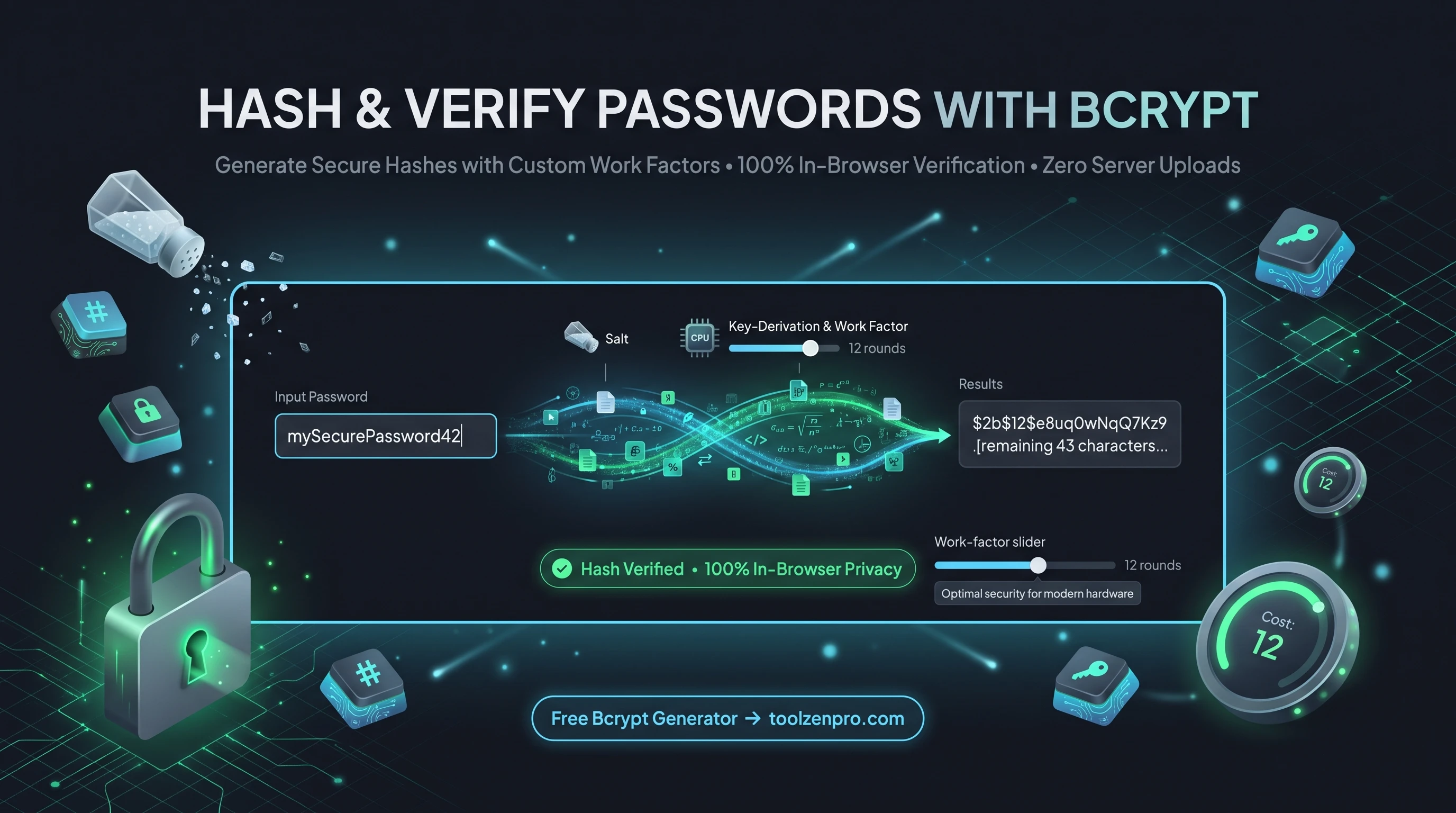
Storing passwords as plain text is a disaster waiting to happen, and even a simple hash is not enough anymore. Bcrypt adds the salting and slowness that keep credentials safe long after a database leaks. A dedicated tool lets you generate and check hashes fast, without wiring up a library just to test one value.
Why Bcrypt Is Built for Passwords
Regular hashes like MD5 and SHA are fast, and for password storage that is a weakness. Attackers can try billions of guesses per second against a stolen hash table. Bcrypt is deliberately slow and salted, which makes brute-force attacks impractical rather than merely inconvenient.
The work factor, or cost, lets you dial in how much computation each hash requires. As hardware gets faster, you raise the cost to keep pace. That adjustable difficulty is why Bcrypt remains a gold standard for storing credentials decades after it first appeared.
Salting is the other half of the story. Because every hash gets a unique random salt baked in, two users with the same password end up with completely different hashes. That defeats precomputed rainbow tables and stops an attacker from cracking many accounts at once.
How to Hash and Verify with Bcrypt
Secure credentials in a few steps:
- Enter the password you want to hash.
- Choose the cost rounds for the work factor.
- Generate the salted hash, or
- Verify a password against an existing hash.
Open the Bcrypt Hash Generator Online to hash and verify securely.
The verify mode is handy when you are debugging a login flow. Paste a stored hash and the password a user typed, and the tool confirms whether they match, so you can tell a hashing bug apart from a wrong-password problem without guessing.
Choosing a Cost That Fits Your App
Picking a work factor is a balance between security and speed. Too low and hashes fall quickly to modern hardware; too high and every login feels sluggish. Testing a few cost values here lets you feel the timing difference before you commit a number to your production config.
A good rule is to pick the highest cost your server can handle within a comfortable fraction of a second per login. As your hardware improves over the years, bump the cost up and rehash on the next successful login to keep your stored credentials ahead of attackers.
Key Benefits
- Salted by design: every hash is unique.
- Adjustable cost: tune resistance to brute force.
- Verify mode: check a password against a stored hash.
- Private: runs in your browser, no uploads.
- Free to use.
Frequently Asked Questions
What cost should I use? Higher is stronger but slower. Many apps use 10 to 12 rounds as a practical balance.
Do I need to store the salt separately? No. Bcrypt embeds the salt inside the hash string, so the hash is all you need to store.
Is my password uploaded? No, hashing and verification run locally in your browser.
Why do I get a different hash each time? The random salt changes every run, so the same password produces a new hash each time, and all of them verify correctly.
Store passwords the right way. Use the free Bcrypt Hash Generator to hash and verify with adjustable strength, right in your browser.