
GST Calculator: Add or Remove Tax in Seconds
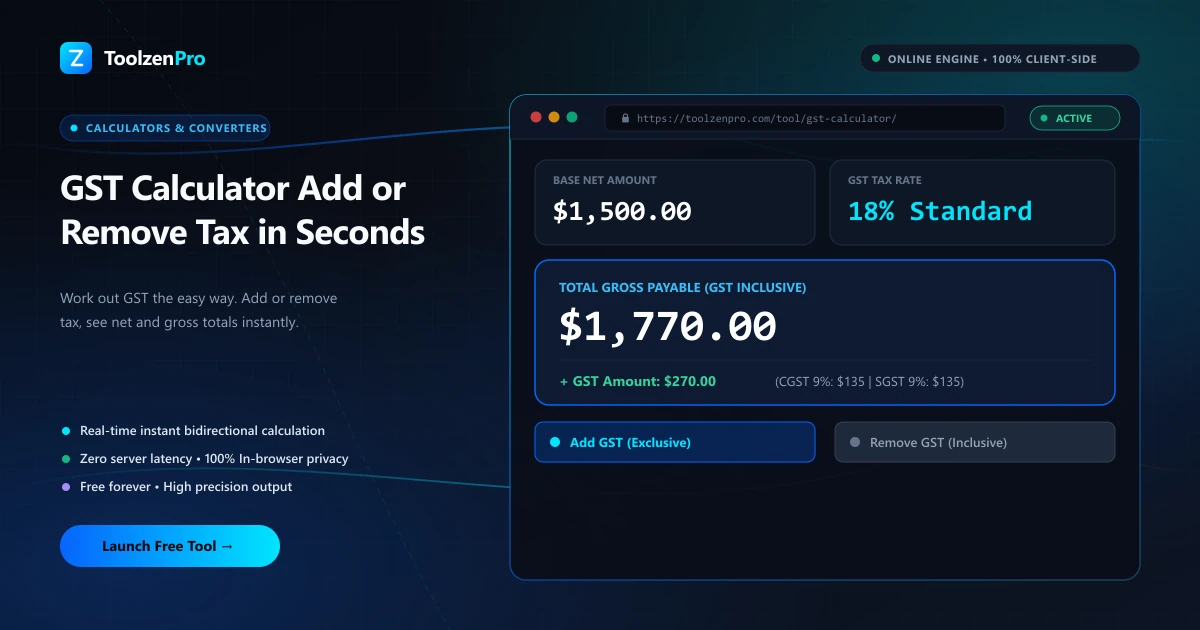
Doing GST math by hand is where mistakes sneak in. One wrong percentage and your invoice is off. Whether you need to add tax to a price or pull it back out of a total, this does both in one tap, with every figure broken out clearly.
Add or Remove Tax Without the Headache
Whether you are pricing a product, checking an invoice, or backing tax out of a total, sales tax and GST math trips people up. Adding a percentage is one calculation; pulling the tax back out of a tax-inclusive total is another, and mixing them up throws your numbers off.
A dedicated calculator handles both directions. Enter an amount and a rate, choose add or remove, and get the base, the tax, and the total broken out clearly.
The reverse calculation is the one that catches people. You cannot just subtract the percentage from a gross total to find the tax, because the percentage was applied to the smaller base amount. The calculator does the correct division so the numbers actually reconcile on your books.
How to Use This Tool
Calculate tax both ways:
- Choose Add or Remove tax mode.
- Enter the amount and rate.
- Read the base, tax, and total instantly.
Open the GST Calculator to price items or check invoices in seconds.
Because every result splits into base, tax, and gross, you can copy exactly the figure a given document needs. An invoice wants the tax line itemized, a quote wants the gross, and a bookkeeping entry wants the net, all from a single calculation.
Built for Freelancers and Small Businesses
If you send your own invoices, this is a daily-use tool. Freelancers quoting a project can add tax to land on a clean client-facing total, while shop owners reconciling receipts can strip tax out to see true revenue. Getting it right keeps your filings accurate and your margins clear.
It also flexes to any jurisdiction. Because you set the rate yourself, the same calculator works for GST, VAT, or a local sales tax, so you are never tied to one country's percentage.
That flexibility pays off at tax time. Backing the tax out of your gross receipts shows you exactly how much you collected on behalf of the government, which is the figure you actually need to file. No spreadsheet formulas, no second-guessing whether you added or removed the rate.
Key Benefits
- Two modes: add tax or remove it from a total.
- Clear breakdown: base, tax, and gross shown.
- Any rate: works for any sales tax or GST percentage.
- Instant and mobile ready.
- Private in your browser.
Frequently Asked Questions
How do I remove tax from a total? Choose Remove mode; the tool separates the base from the tax already included.
Can I use any tax rate? Yes, enter any percentage that applies to you.
Are my figures stored? No, calculations run locally and are never saved.
Does it work for VAT too? Yes. GST, VAT, and general sales tax all use the same percentage math, so just enter your local rate.
Add or remove tax with a clean breakdown every time. Use the free GST Calculator now and stop second-guessing your invoices.