
Generate Passwords in Bulk, Fast
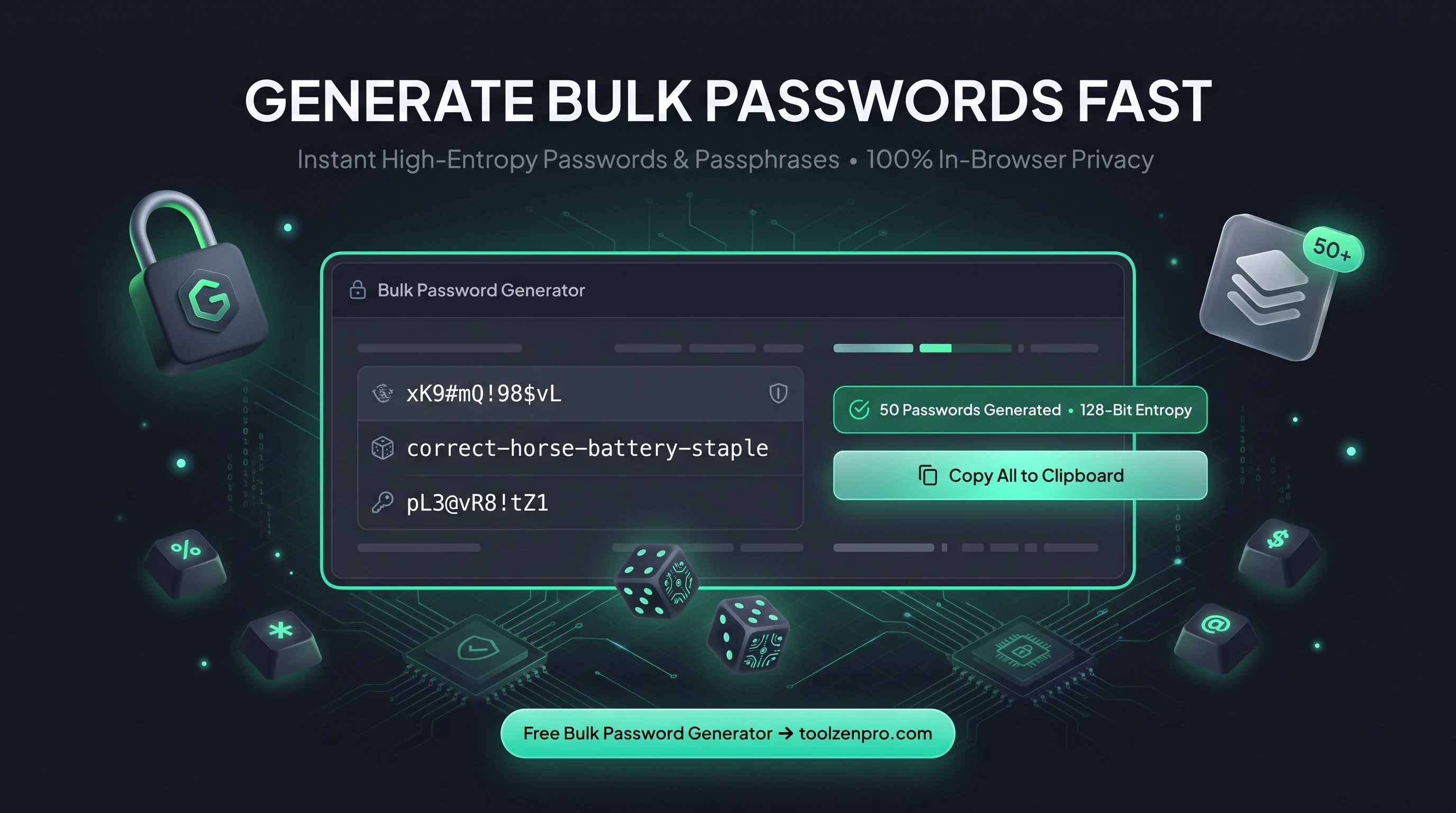
Setting up accounts for a whole team or seeding a database with credentials? Making passwords one at a time is a slog, and the temptation to reuse a weak one creeps in fast. A bulk generator hands you a full batch of strong, unique passwords in one go, so every account starts secure.
When You Need More Than One Password
Setting up a team, seeding a database, or rotating credentials across dozens of accounts? Generating passwords one at a time is tedious. You need a batch, and you need each one to be strong.
A bulk generator produces as many secure passwords or passphrases as you want in a single click. You control the entropy, the length, and the style, so every credential in the batch meets your security bar.
This matters most during onboarding and migrations. When you provision fifty new accounts or reset credentials after a security review, generating them by hand invites shortcuts and repeated patterns. A batch keeps every entry independently random, which is exactly what a good security posture demands.
How to Generate Passwords in Bulk
Produce a full batch fast:
- Choose password or passphrase mode.
- Set complexity and entropy to your standard.
- Pick how many you need and generate.
- Copy or export the whole list.
Open the Strong Password Generator Online to build your batch. For a single quick password, the Random Password Generator is faster.
Because the whole batch appears at once, you can paste it straight into a spreadsheet, a password manager import, or a provisioning script. There is no waiting between generations and no limit forcing you to run it again and again.
Passphrases for the Ones You Have to Remember
Not every credential goes into a manager. Master passwords, disk encryption keys, and admin logins sometimes need to live in your head. That is where passphrase mode shines, stringing together random words into something you can actually recall without sacrificing strength.
A four or five word passphrase is easy to type and remember yet resists brute-force attacks thanks to its length. Mixing bulk password generation with the occasional memorable passphrase gives you the right tool for each kind of account.
Bulk mode also fits provisioning workflows neatly. When you onboard a team, spin up test environments, or seed a staging database, you can export a whole list at once and hand each credential to the right place. Every entry meets the same strength bar, so there is no weak link hiding in the batch.
Key Benefits
- Bulk output: generate many credentials at once.
- Passphrase option: memorable yet strong.
- Entropy control: tune strength precisely.
- Private: everything runs in your browser.
- Free and unlimited.
Frequently Asked Questions
What is a passphrase? A string of random words that is easy to remember but hard to crack, great for master passwords.
How many can I generate? As many as you need in one batch.
Are the passwords stored? No. They are generated locally and never uploaded.
Can I control the character mix? Yes. Set length, entropy, and which character types to include so the batch matches your policy exactly.
One click, a whole batch of strong credentials. Use the free Strong Password Generator to generate in bulk now and start every account on solid footing.