
Generate an MD5 Hash Instantly
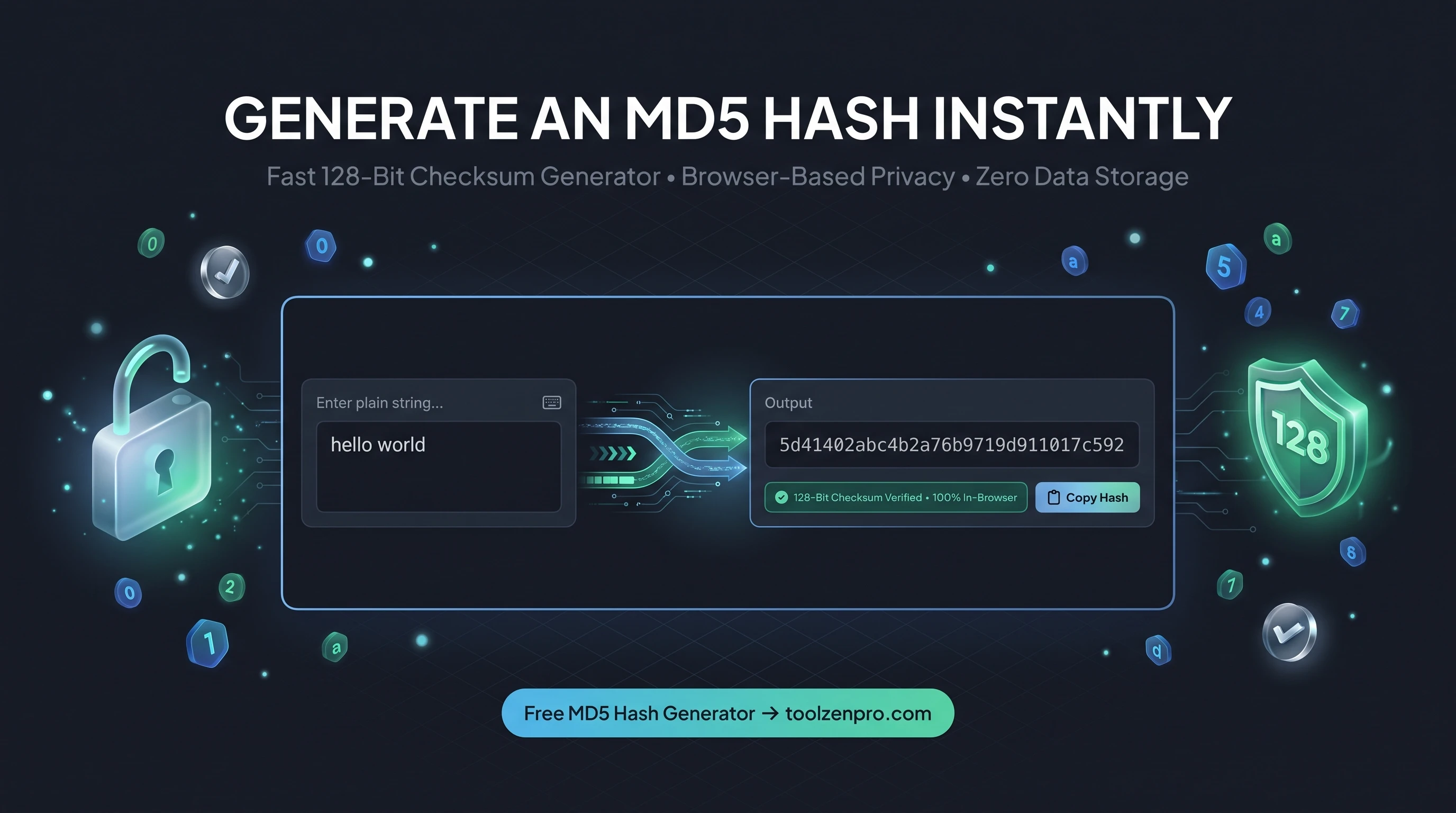
You need to check a file checksum or generate a quick hash for a lookup, but installing software for one string feels like overkill. A browser tool gives you the MD5 in a second with nothing to download, nothing to configure, and nothing left running on your machine afterward.
What an MD5 Hash Is Good For
MD5 turns any text into a fixed 128-bit fingerprint. Feed it the same input and you always get the same output, which makes it handy for checksums, cache keys, and matching records against legacy systems that were built around MD5.
It is worth knowing that MD5 is not secure for passwords or anything that needs collision resistance. But for quick integrity checks, deduplication, and non-sensitive fingerprints, it is fast, simple, and everywhere.
That ubiquity is exactly why it sticks around. Countless download pages still publish an MD5 checksum next to a file so you can confirm your copy arrived intact. Databases use MD5 hashes as compact keys, and caching layers use them to tell whether two chunks of content are identical.
How to Generate an MD5 Hash
Three steps and you have your hash:
- Type or paste your text into the input.
- Get the 128-bit MD5 hash generated instantly.
- Copy it for your checksum, key, or lookup.
Open the MD5 Hash Generator and fingerprint your text in a click.
The hash regenerates the instant you change the input, so you can compare variations side by side. Nothing gets uploaded and nothing is stored, which means even sensitive strings stay on your own machine while you work.
Verifying Downloads and Matching Records
The classic use is confirming a download. Generate the MD5 of a file you received and compare it to the checksum the publisher posted. If they match, the file is intact and unaltered; if they differ, something went wrong in transit and you should grab it again.
Developers also lean on MD5 to dedupe data. Hash each record or string and identical inputs collapse to the same fingerprint, which makes spotting duplicates trivial. For non-security tasks like these, MD5's speed is a genuine advantage.
It is a favorite for cache keys too. Hash a URL or a query and you get a short, stable identifier you can use to store and retrieve the matching response. Build systems apply the same idea to detect when a source file has changed, regenerating output only when the fingerprint differs from the last run.
Key Benefits
- Instant hashing: results appear as you type.
- Consistent output: same input always gives the same hash.
- Great for checksums: verify file or text integrity.
- Client-side: your input never leaves the browser.
- Free and unlimited.
Frequently Asked Questions
Is MD5 safe for passwords? No. Use a dedicated password hash like Bcrypt for credentials. MD5 is for checksums and fingerprints.
Why do I get the same hash every time? That is by design. MD5 is deterministic, which is what makes it useful for matching.
Is my text uploaded? No. Hashing happens locally in your browser.
How long is an MD5 hash? Always 32 hexadecimal characters, representing 128 bits, no matter how long or short your input is.
Need a quick fingerprint for a checksum or lookup? Use the free MD5 Hash Generator and get it instantly.