
Generate a SHA-256 Hash Instantly
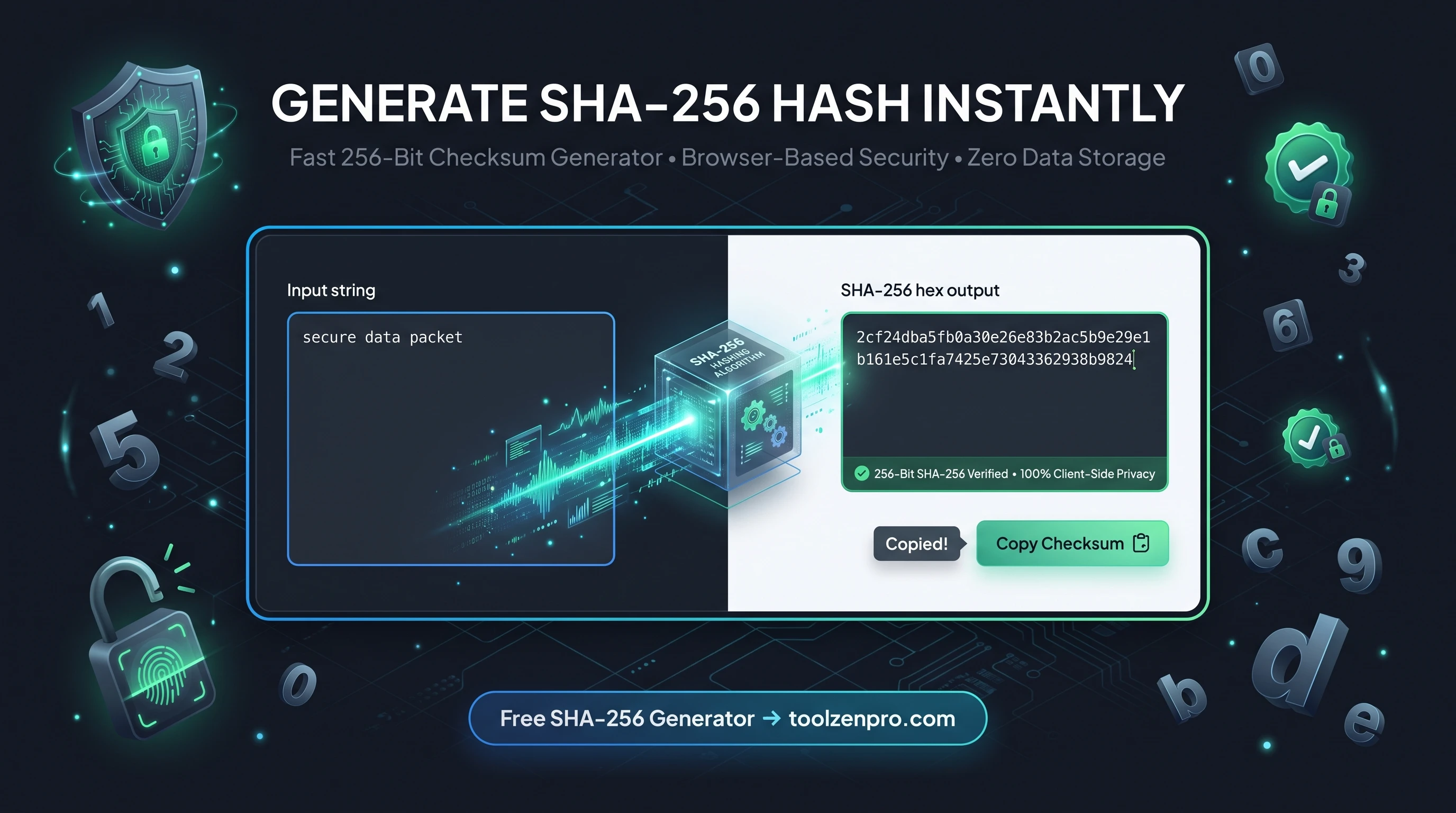
Whether you are verifying a download or building a checksum into your app, SHA-256 is the modern standard. You should not need a command line or an install to get one. A browser tool gives you the hash on the spot, with nothing to set up and nothing to send away.
Why SHA-256 Is the Trusted Choice
SHA-256 is the workhorse of modern integrity checks. It powers everything from file checksums to blockchain and digital signatures. Unlike MD5, it is collision-resistant enough for serious verification work, which is why security-conscious systems reach for it by default.
Give it any text and it returns a fixed 256-bit fingerprint. Change one character and the hash changes completely, which is exactly what makes it perfect for confirming that data has not been tampered with.
That avalanche effect is the whole point. Because a single flipped bit cascades into a totally different output, there is no way to nudge a file toward a matching hash. When a publisher posts a SHA-256 checksum, matching it is strong evidence your copy is byte-for-byte identical to theirs.
How to Generate a SHA-256 Hash
Fingerprint your data in three steps:
- Type or paste your text into the input.
- Get the 256-bit checksum instantly.
- Copy it for verification or storage.
Open the SHA256 Hash Generator and hash your text securely.
The hash recalculates the instant you edit the input, so you can compare two near-identical strings and watch the outputs diverge completely. Because it uses your browser's built-in crypto, even long inputs hash in a blink without a server round trip.
From Downloads to Digital Signatures
The everyday use is verifying files. Download an installer, hash it, and compare against the checksum on the vendor's site. A match means the file arrived intact and untampered; a mismatch means you should not trust it. That single check catches corrupted downloads and swapped binaries alike.
SHA-256 also underpins heavier machinery. Digital signatures hash the content first and sign the hash, version control systems fingerprint commits, and countless APIs use it to sign requests. Understanding the humble hash makes all of that infrastructure less mysterious.
Because this tool uses your browser's built-in crypto, the hash you get is the same one your server or command line would produce for identical input. That consistency matters when you are comparing checksums across systems, since a SHA-256 fingerprint is universal no matter where it was calculated.
Key Benefits
- Strong and trusted: collision-resistant for real verification.
- Instant results: hash appears as you type.
- Deterministic: same input, same hash, every time.
- Private: uses your browser's crypto, nothing is uploaded.
- Free to use.
Frequently Asked Questions
Is SHA-256 better than MD5? For security and integrity, yes. MD5 is fine for quick non-secure checksums, but SHA-256 is the standard for trust.
Can I verify a file's integrity? Yes, compare the generated hash against the expected checksum.
Is my input uploaded? No, hashing runs locally.
How long is a SHA-256 hash? Always 64 hexadecimal characters, representing 256 bits, regardless of how much text you feed in.
When integrity matters, reach for SHA-256. Use the free SHA-256 Hash Generator and verify with confidence, right from your browser.