
Format Messy JSON in One Click
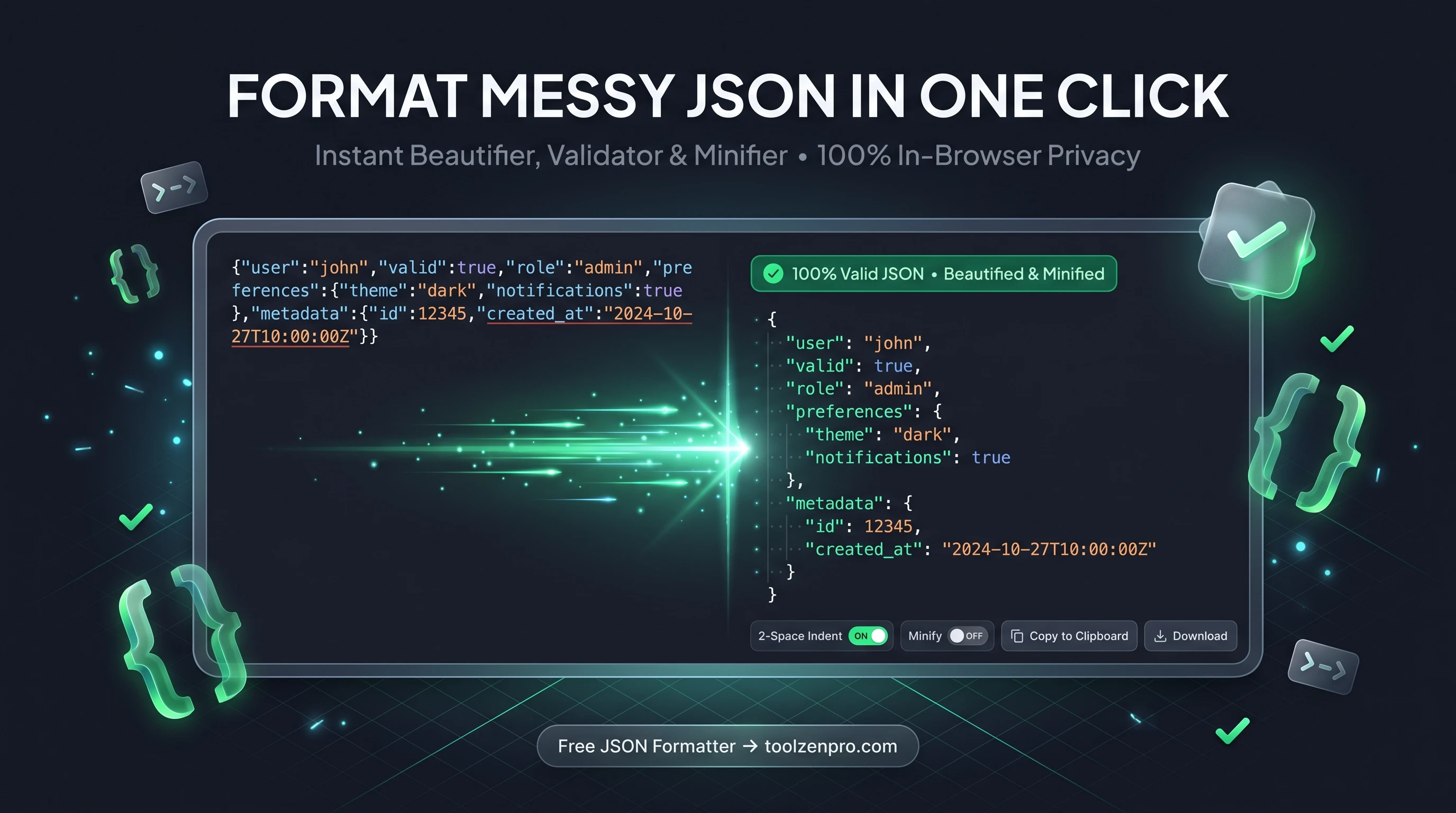
You paste a blob of JSON from an API and it is one giant unreadable line. Somewhere in there is a missing comma breaking everything, but good luck finding it. A proper formatter turns that mess into clean, readable structure in a heartbeat.
Turn a Wall of JSON Into Something Readable
Minified JSON is a nightmare to read. One giant line, no indentation, and a missing comma somewhere in the middle that breaks everything. Whether you are debugging an API response or checking a config file, you need it formatted before you can make sense of it.
A good JSON formatter beautifies the structure, validates the syntax, and points you to errors instantly. It turns a wall of text into a clean, indented tree you can actually navigate.
That readability pays off the moment you are under pressure. When a production API is returning something unexpected, you do not want to hunt for a stray bracket by eye. Indentation reveals the shape of the data at a glance, so nested objects and arrays stop hiding their problems.
How to Format JSON
Clean up any JSON in seconds:
- Paste your JSON into the input area.
- Choose your indentation or minify instead.
- Validate to catch syntax errors on the spot.
- Copy the clean output back into your project.
Open the JSON Formatter Online and make that API response readable.
The whole thing happens the instant you paste. There is no upload step and no wait, so even a large response formats immediately. If something is malformed, you find out right away instead of after a round trip to some server.
Beautify for Reading, Minify for Shipping
The same tool serves two opposite needs. While you are developing, you want JSON beautified with generous indentation so it is easy to scan and edit. When you are ready to ship, you want it minified into the smallest possible payload so it travels fast over the wire.
Front-end developers use the beautify mode to inspect responses in the browser, while back-end teams minify config and seed data to keep bundles lean. Switching between the two is a single click, so you are never stuck reformatting by hand.
A Daily Time-Saver for Developers
Formatting JSON is one of those tiny tasks that comes up dozens of times a day, and the seconds add up. Having a fast, reliable formatter open in a tab means you never break your flow hunting through a minified response for the one bracket that is out of place.
It is just as handy for non-developers who touch JSON occasionally, like marketers editing a tracking config or support staff inspecting an export. The clean, indented view makes the structure obvious even if you do not work with data every day.
Key Benefits
- Instant beautify: proper indentation with one click.
- Built-in validation: catches missing commas and brackets.
- Minify option: compress JSON when you need it small.
- Custom spacing: pick the indent size you prefer.
- Private: your payloads never leave the browser.
Frequently Asked Questions
Will it tell me where my JSON is broken? Yes. Validation highlights syntax errors so you can fix them fast.
Can I minify as well as beautify? Yes, it does both formatting and minification.
Is my data safe? Completely. Formatting runs in your browser, so sensitive payloads and API keys stay local.
Can it handle large files? Yes. Because it runs on your machine, big payloads format quickly without waiting on a server round trip.
Stop squinting at minified blobs. Format, validate, and move on. Use the free JSON Formatter to clean up your JSON in one click.