
Encode and Decode URLs the Easy Way
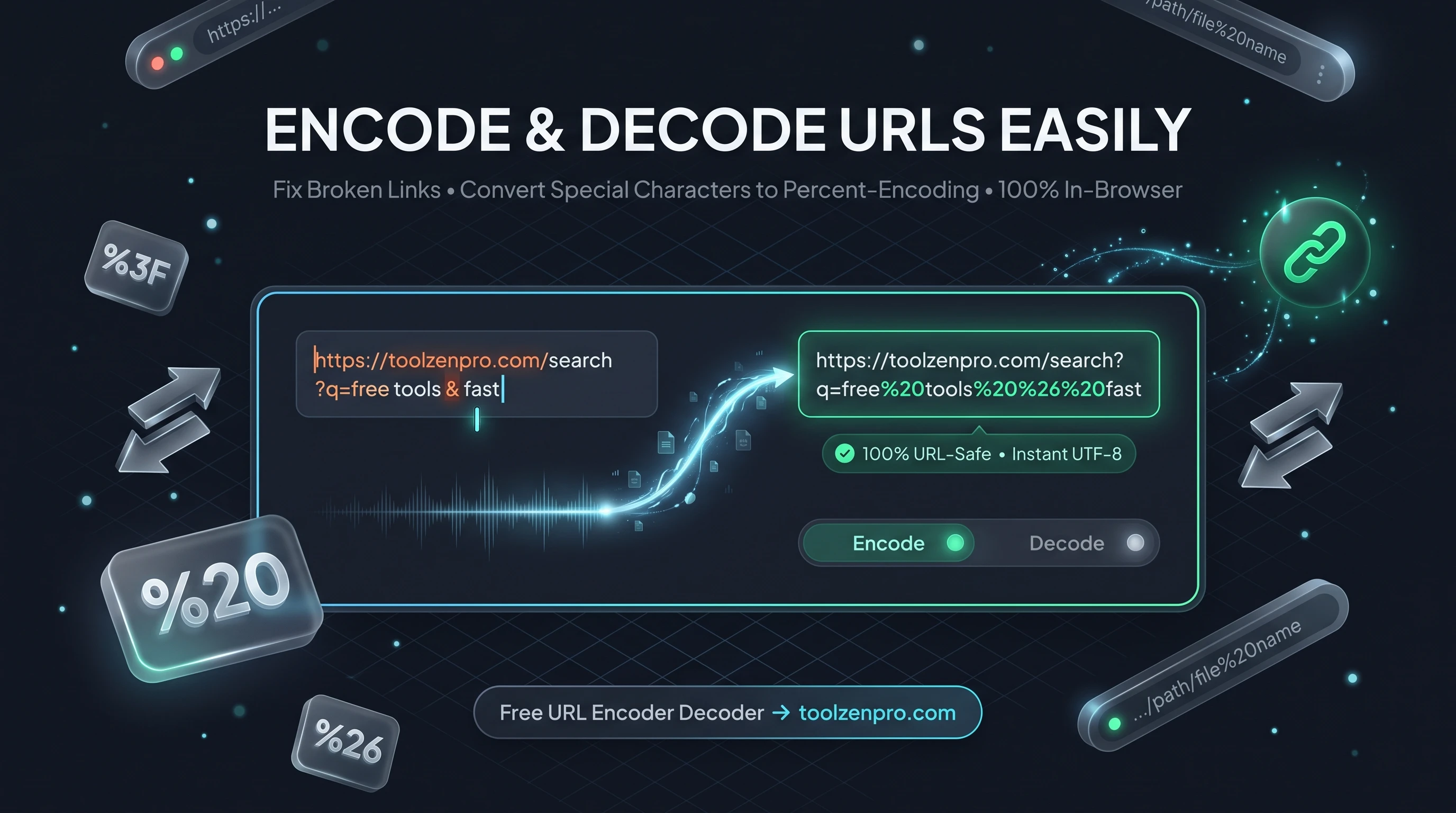
You built a link with a space or an ampersand in it and now it is broken. Special characters wreck URLs, and encoding them by hand is a nightmare of percent signs and lookup tables. Let a tool handle the translation for you so every link you ship actually points where you meant it to.
Why URLs Break and How Encoding Fixes It
Spaces, ampersands, question marks, and accented characters all have special meaning inside a URL. Drop them into a link raw and the whole thing breaks or points somewhere wrong. URL encoding converts those characters into safe percent codes, like %20 for a space, so the link works everywhere it travels.
Decoding does the reverse, turning a percent-encoded string back into readable text. If you work with query strings, redirects, or API parameters, you switch between the two constantly.
The rules are strict for a reason. A browser reads a question mark as the start of the query string and an ampersand as a separator between parameters. If those symbols appear inside a value instead of between values, the URL falls apart. Encoding hides them from the parser so your data survives the trip intact.
How to Encode and Decode URLs
Switch directions in seconds:
- Pick encode or decode.
- Paste your string into the box.
- Read the safe, converted result.
- Copy it into your link or code.
Try the URL Encoder Decoder Online to fix a broken link fast.
The conversion happens the moment you paste, so you can test a tricky parameter, tweak it, and re-run without reloading anything. It is the quickest way to confirm a link before it goes into an email, an ad, or a line of code.
Where This Comes Up Every Day
Marketers building campaign URLs hit encoding all the time, since UTM parameters often carry spaces and symbols that need escaping. Developers encode search queries before appending them to an endpoint, and decode incoming parameters to read what a user actually typed.
It also saves headaches with tracking links, redirect chains, and deep links into apps. Anywhere a value rides inside a URL, encoding keeps punctuation and non-Latin characters from silently corrupting the destination.
Support teams run into it too. When a customer pastes a broken link that will not open, decoding it reveals the real destination hiding behind a wall of percent codes, which makes it far easier to spot the typo or the missing parameter and send back a working version.
Key Benefits
- Two-way tool: encode and decode in one place.
- Handles special characters: spaces, symbols, and accents.
- Component mode: strictly encode every reserved character.
- Private: runs entirely in your browser.
- Free and instant.
Frequently Asked Questions
When should I use component encoding? Use it when a parameter value itself contains reserved characters like ampersands, so they do not break the query string.
Can it decode a whole messy URL? Yes, paste it in and get the readable version back.
Is my data private? Yes. Everything is processed client-side.
What is the difference between encoding a full URL and a component? Full-URL encoding leaves structural characters like slashes and colons alone, while component encoding escapes everything reserved. Use component mode for individual values and full mode for a complete address.
Broken links waste clicks and trust. Use the free URL Encoder and Decoder to keep every parameter clean and every link working.