
Create Test User Profiles in Seconds
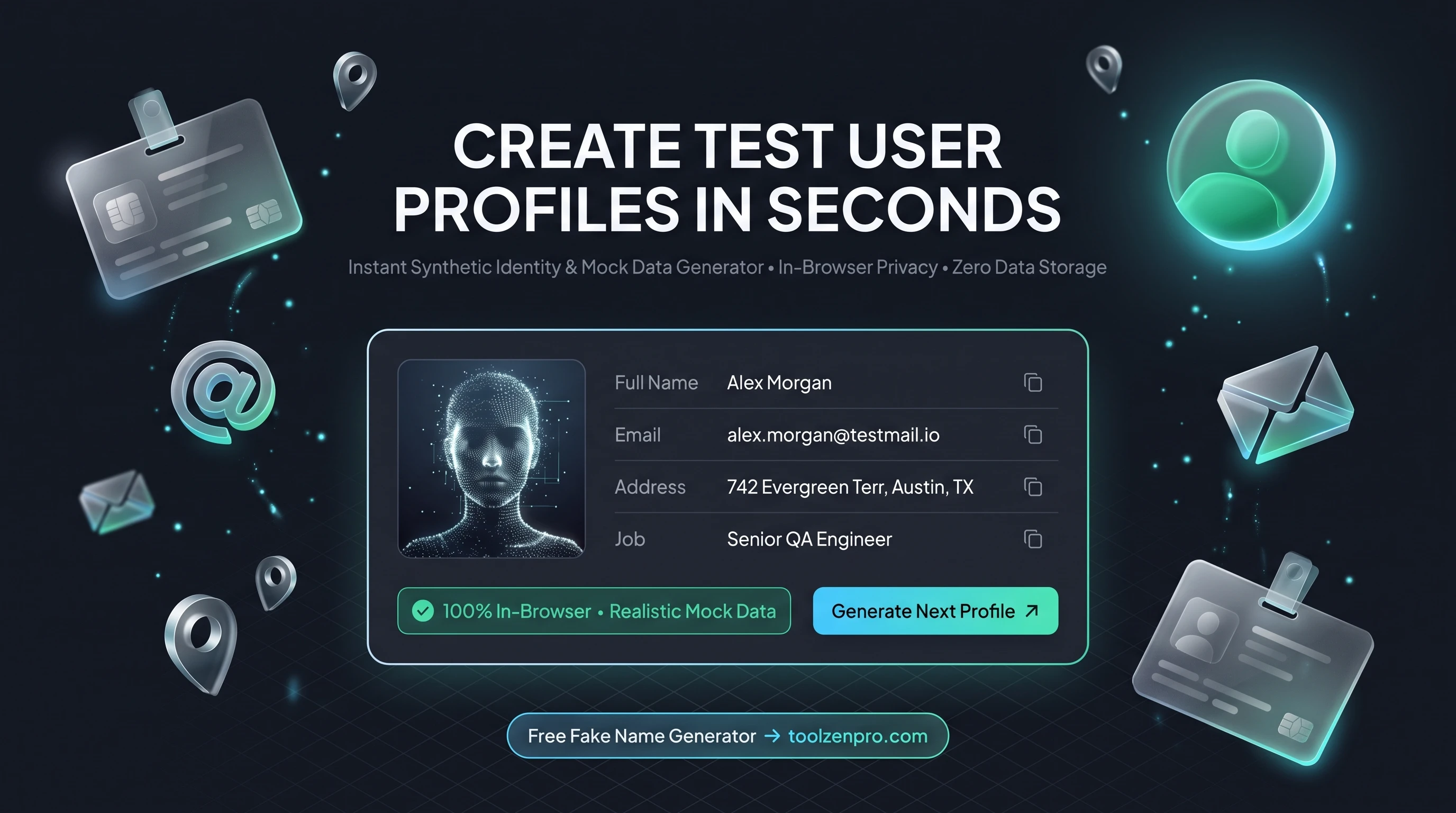
Filling a demo app with "asdf asdf" and "test@test.com" makes your work look half-finished. Realistic sample data makes prototypes and tests far more convincing, and it keeps you from ever touching real personal information. A profile generator gives you believable people instantly.
Why You Need Fake Data for Testing
Building a signup form, seeding a demo, or testing a database? Using real personal data is a privacy risk and often against the rules. You need realistic but entirely fake profiles that look right without belonging to anyone.
A fake name generator creates complete test identities: names, emails, addresses, and bios. It is the safe, fast way to populate a UI or stress-test a form without touching real user data.
There is a compliance angle too. Regulations like GDPR and CCPA treat real personal data as something you must protect even in testing. Swapping in generated profiles sidesteps the whole problem, so a stray test database can never leak an actual customer's details.
How to Generate Test Profiles
Create mock data in three steps:
- Generate a complete profile with one click.
- Regenerate for as many identities as you need.
- Copy the fields into your test environment.
Open the Fake Name Generator Online and fill your test database with safe, fake data.
Each profile arrives as a coherent set of fields, so the email tends to match the name and the address looks internally consistent. That realism matters when you are demoing to stakeholders who lose confidence the moment they see obviously fake placeholder junk.
Perfect for Demos, QA, and Design
Realistic data earns its keep across the whole build. Designers drop believable names and bios into mockups so layouts reflect real content widths. QA teams generate dozens of identities to test edge cases like long names or unusual address formats. Sales engineers seed a demo that looks like a living product instead of an empty shell.
It also makes bugs easier to spot. When every test user looks plausible, a rendering glitch or a truncated field jumps out immediately, instead of hiding behind rows of identical placeholder text.
It scales with your needs too. Generate one profile to check a signup form, or spin up dozens to fill a dashboard, a user list, or an export routine. Realistic volume reveals pagination bugs and layout issues that a single test row would never expose. Generating a fresh batch on demand also keeps your real database clean, since none of this sample data ever has to touch production.
Key Benefits
- Complete profiles: names, emails, addresses, and bios.
- Privacy-safe: no real personal data involved.
- Fast seeding: generate many profiles quickly.
- Private: runs in your browser.
- Free and unlimited.
Frequently Asked Questions
Is this data real? No. Every profile is randomly generated and does not belong to a real person.
Is it legal to use? Yes, for testing and development. Do not use fake identities to deceive or commit fraud.
Is anything stored? No, profiles are generated locally.
Can I generate a whole batch? Yes. Regenerate as many times as you need to seed a full table of test users.
Test safely with data that looks real but is not. Use the free Fake Name Generator to seed your next project in seconds.