
Create Strong Passwords in One Click
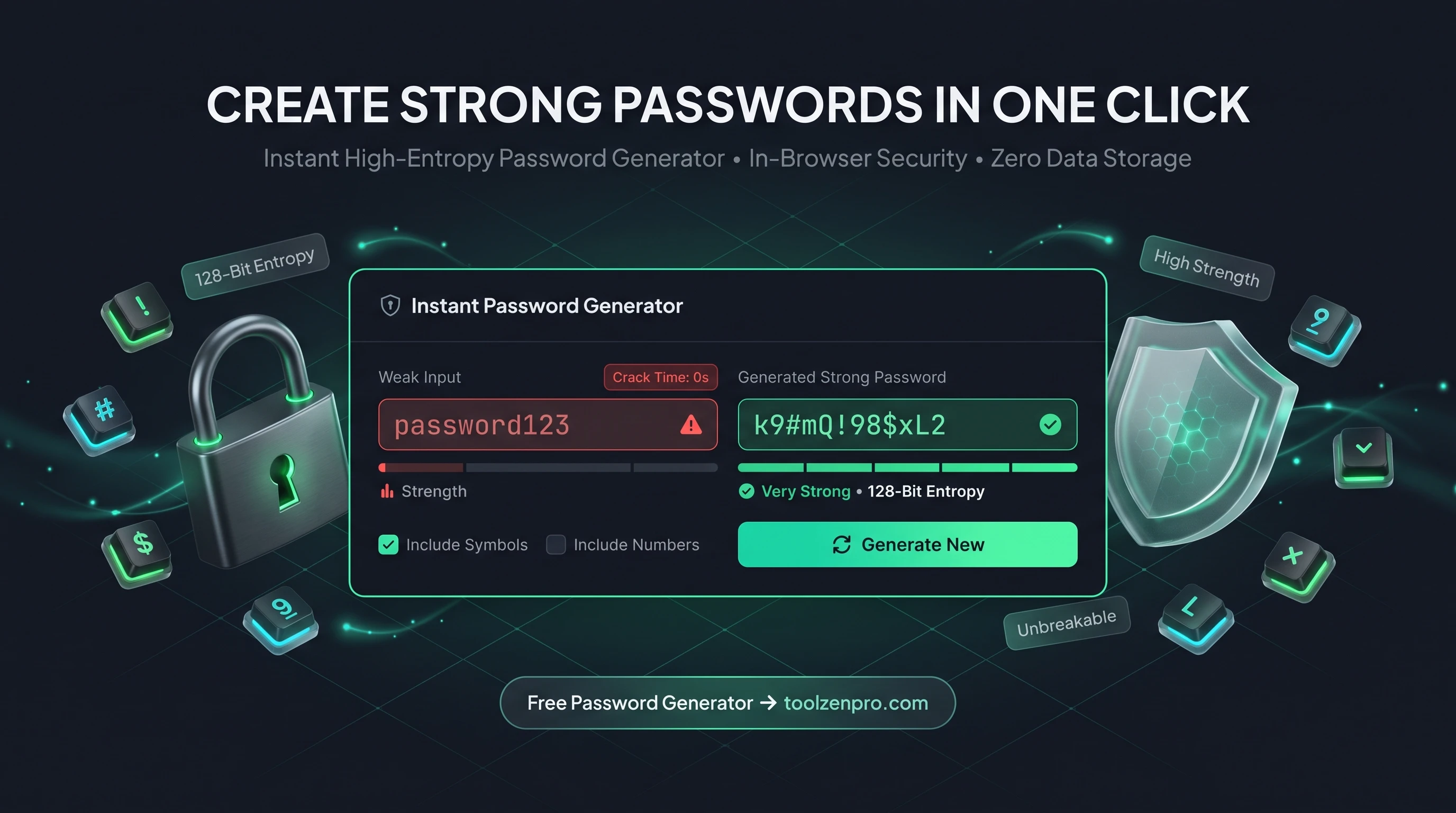
Reusing the same password everywhere is a habit hackers love. But making up a truly random one on the spot is hard, and the ones you invent are rarely as strong as you think. A generator does it right every time, so every account gets a password that actually holds up.
Weak Passwords Are Still the Top Risk
Reused and guessable passwords are behind a huge share of account breaches. The fix is simple in theory: use a long, random, unique password for every account. In practice, nobody can invent truly random strings on the spot, and the patterns we fall back on are exactly what attackers try first.
A password generator does it for you instantly. Set your length, choose which character types to include, and get a strong password that no dictionary attack will crack. There is no thinking involved and no predictable pattern for anyone to exploit.
The math is on your side once the password is genuinely random. Every extra character multiplies the number of combinations an attacker has to try, which is why a 16-character mix of letters, numbers, and symbols is effectively impossible to brute force with today's hardware.
How to Generate a Strong Password
Secure in three steps:
- Set the length with the slider, longer is stronger.
- Toggle character types like symbols and numbers.
- Copy your new password straight to your manager.
Open the Random Password Generator and lock down your next account. Need many at once or a memorable passphrase? Try the Strong Password Generator instead.
Pair the generator with a password manager and the whole system clicks into place. You never have to remember or even see the raw string; generate it, let the manager store it, and autofill handles the rest on every login.
Why Random Beats Clever
People assume a password like a favorite phrase with a few letters swapped for numbers is strong. Attackers know those tricks and bake them into their cracking tools. Substituting a 3 for an E or adding a 1 at the end barely slows anything down.
True randomness removes every shortcut. Because the output follows no rule a human would choose, there is no pattern to guess and no personal detail to mine from your social media. That is the whole point of letting a tool generate it rather than your own memory.
Pair a generated password with a password manager and the last excuse for reuse disappears. You never have to remember the string, so it can be as long and random as you like. The generator creates it, the manager stores it, and you get a unique credential for every account without any mental overhead.
Key Benefits
- Truly random: generated securely in your browser.
- Custom rules: control length and character types.
- One-click copy: paste straight into a signup form.
- Private: passwords are never sent anywhere.
- Free and unlimited.
Frequently Asked Questions
How long should my password be? Aim for at least 16 characters with mixed types for strong accounts.
Should I reuse it? Never. Generate a unique password for every account.
Is the password stored? No. It is generated locally and never transmitted.
Do I need to memorize it? No. Store it in a password manager and let autofill do the work, so length and randomness cost you nothing.
Strong, unique, and instant. That is how every password should be. Use the free Random Password Generator and give every account the protection it deserves.