
Count Your Words the Second You Type Them
Essays have word limits. So do college apps, cover letters, and freelance gigs. Guessing whether you've hit the mark is stressful. A live word counter shows you exactly where you stand as you type, so you can write to the target instead of scrambling to fix the length later.
Live Word Counts as You Write
Word limits are everywhere: essays, blog posts, product descriptions, meta content, and social captions. Guessing your length or pasting into a bulky editor just to check the count breaks your flow. You want the number the moment you type it, not after a detour.
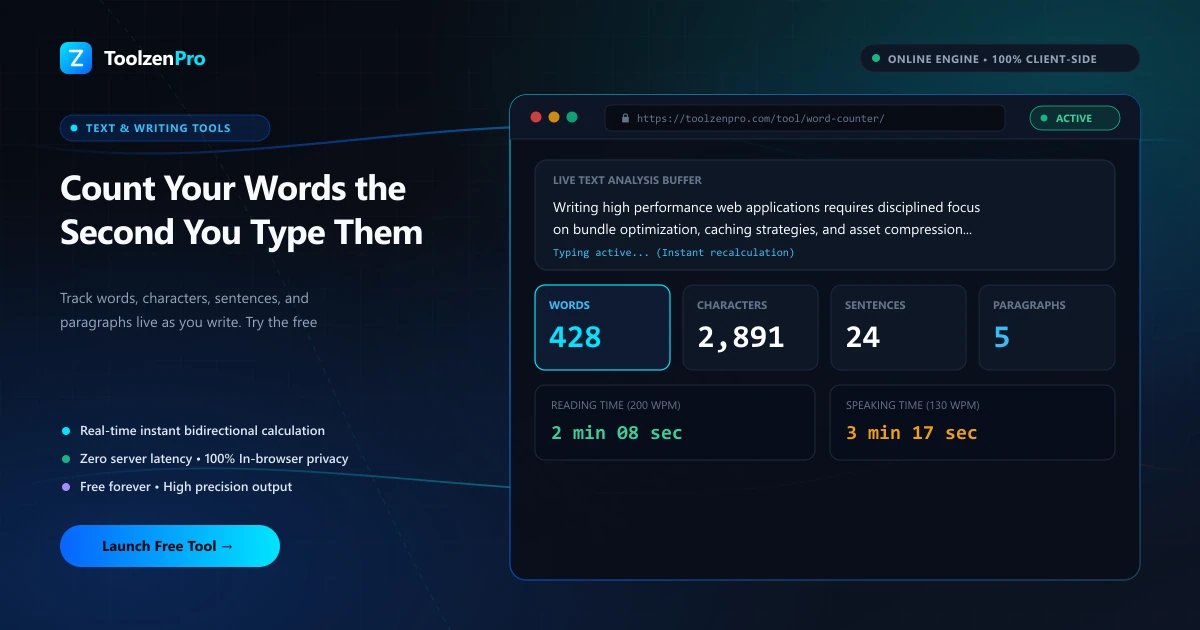
A word counter shows words, characters, sentences, paragraphs, and reading time live as you write or paste, so you always know exactly where you stand. That instant feedback keeps you focused on the writing rather than the counting.
How to Use This Tool
Count your words in three steps:
- Paste or type your text.
- Watch the live counts update instantly.
- Edit until you hit your target.
Open the Word Counter Tool to track your writing in real time. For a character focus, try the Character Counter.
Because the counts refresh with every keystroke, you can watch a draft grow toward a minimum or trim it back under a cap without ever leaving the page. There is no button to press and no lag to wait through. That instant feedback keeps you writing instead of stopping to tally, which matters most when a deadline is close and every minute counts.
Who Relies on a Word Counter
Students lean on it to hit essay and assignment limits exactly, where going over or under can cost marks. Writers and bloggers use it to keep articles within a target range, and marketers check that meta descriptions and ad copy fit the tight limits search engines and platforms impose.
Freelancers get value from it too. When a gig pays by the word or specifies a length, a live count confirms you have delivered what was agreed before you send the work off. It turns a vague sense of "about long enough" into a number you can stand behind.
Writers juggling several pieces at once benefit most. A blogger checks that a post clears a minimum length for depth, a copywriter trims a product blurb to fit a card, and a student confirms an essay lands inside the assigned range. Because the counts update live, you are never guessing or pasting into a separate editor just to see where you stand, which keeps you in the flow of writing.
Key Benefits
- Live stats: words, characters, and more.
- Reading time estimate included.
- Great for essays, SEO, and social posts.
- Mobile friendly and free.
- Private in your browser.
Frequently Asked Questions
Does it count characters too? Yes, plus sentences, paragraphs, and reading time.
Is it good for essays? Yes, it is ideal for checking essay and assignment limits.
Is my text stored? No, everything runs locally in your browser.
How is reading time worked out? It estimates from your word count using an average reading speed, giving a quick sense of how long the piece takes to read.
Know your word count the second you type. Use the free Word Counter Tool now.