
Count Characters and Reading Time Instantly
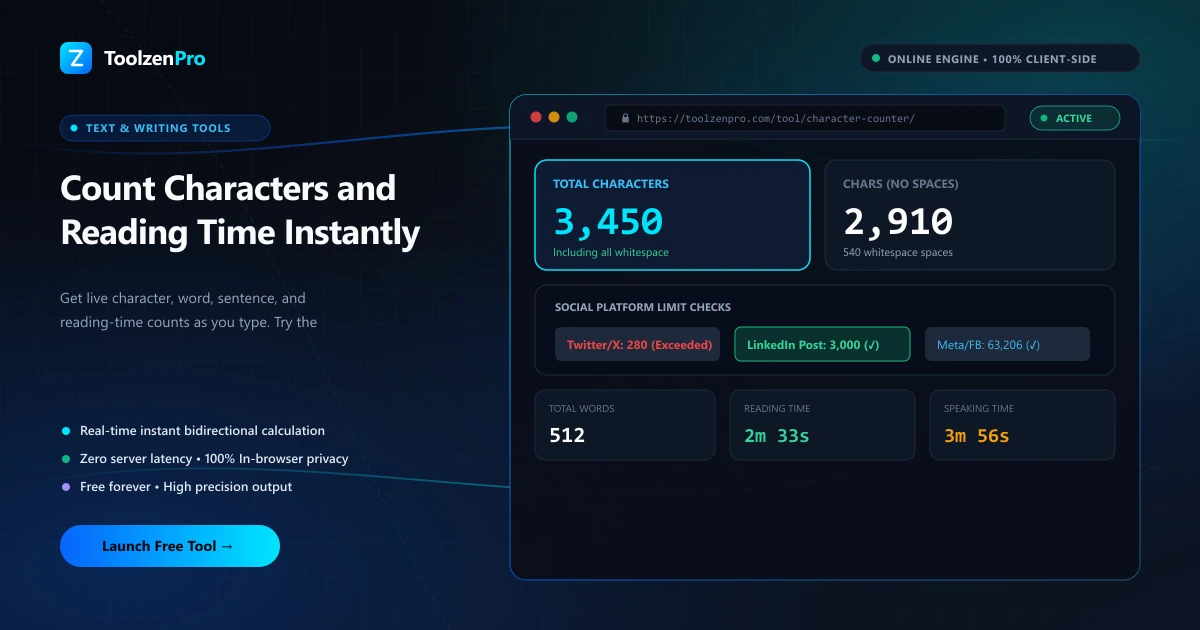
Meta descriptions, tweets, SMS messages, ad copy. So much of what you write has a hard character limit. Counting by eye never works, and going one over can break the whole thing. A character counter gives you the exact number the moment you need it.
Every Character Counts
Character limits rule social bios, meta descriptions, SMS, and form fields. Going one character over can truncate your message or break a layout. You need an exact count, with and without spaces, the instant you type.
A character counter tracks characters, words, sentences, paragraphs, and reading time in real time, so you can trim to fit any limit with confidence. Instead of pasting into another app to check, you see the number update as you write.
How to Use This Tool
Count characters in three steps:
- Paste or type your text.
- Check the character count, with and without spaces.
- Adjust to fit your limit.
Open the Character Counter for instant stats. To focus on words, use the Word Counter Tool.
The count with and without spaces matters more than it sounds. Some platforms count every space toward the limit while others do not, so seeing both figures lets you match whichever rule you are working against without guessing. Matching the exact rule a platform enforces means your text lands inside the limit on the first try, not after a round of trimming. It is a small check that quietly prevents a truncated headline or a broken layout.
Where Character Limits Bite
SEO work is a classic case. Meta titles and descriptions get cut off in search results past a certain length, so trimming to fit keeps your snippet readable and clickable. A live character count is the fastest way to land just under the cap.
The same pressure shows up in social bios, SMS campaigns, and ad copy, where platforms enforce strict limits and truncate anything over. Having an exact count as you write means you shape the message to fit from the start, rather than discovering it is too long after you hit publish.
The reading-time estimate adds another useful layer. Content teams use it to label articles with an honest 5-minute read, and presenters gauge whether a script fits a slot before rehearsing it aloud. Seeing characters, words, and time together turns a plain text box into a planning tool, so you tune a bio, a caption, or a full draft to its target in a single pass instead of several rounds of trimming.
Key Benefits
- With and without spaces: exact counts both ways.
- Reading time included.
- Perfect for bios, meta tags, and SMS.
- Mobile ready and free.
- Private in your browser.
Frequently Asked Questions
Does it count spaces? Yes, it shows counts both with and without spaces.
Can I use it for meta descriptions? Yes, it is great for staying within SEO character limits.
Is my text stored? No, everything runs locally in your browser.
What is the difference from a word counter? This focuses on exact character counts for hard limits, while the word counter is geared toward word-based targets like essays.
Hit every character limit exactly, with no surprises. Use the free Character Counter now.