
Convert PNG to WebP and Keep Transparency
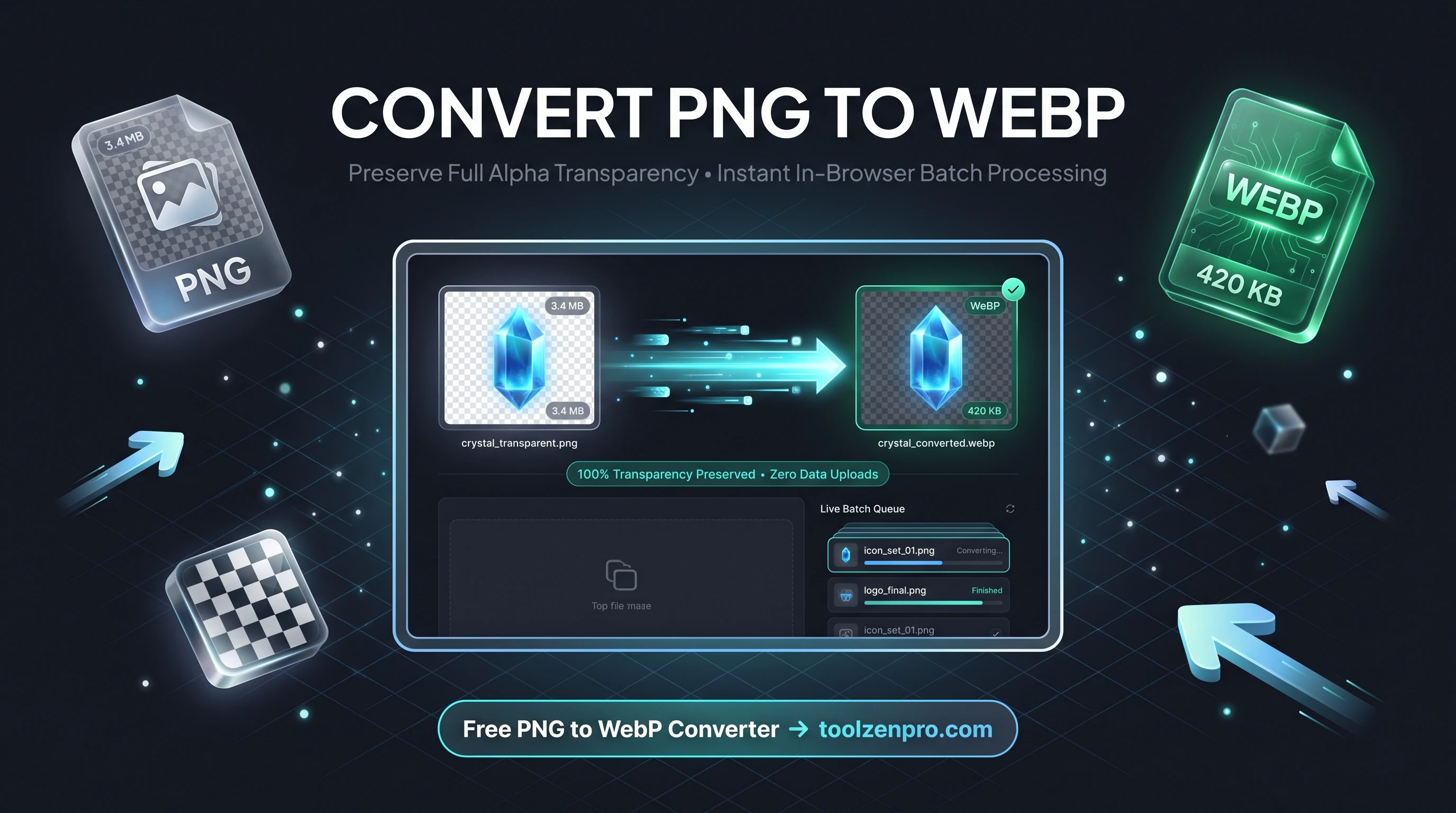
PNGs are great for logos and graphics with transparent backgrounds, but they are heavy. Really heavy. If your site is loaded with them, your load times are paying the price. Good news: you can slim them down without losing that clean transparent edge, and it takes only a few seconds.
Keep Transparency, Lose the Bloat
PNG is the go-to format for logos, icons, and graphics with transparent backgrounds. The problem is size. A crisp PNG can be several times heavier than it needs to be, and that weight slows every page it lives on.
WebP solves both problems at once. It fully supports alpha transparency, so your logo edges stay clean, while shrinking the file dramatically. You get the same see-through background at a fraction of the download size.
That matters most for the assets that appear on every single page. A header logo, a set of social icons, or a repeating badge is downloaded again and again by visitors. Shaving each one down keeps your whole layout light without changing how anything looks.
How to Convert PNG to WebP
Three quick steps and your transparent graphics are optimized:
- Add your PNG files by dragging them in or browsing your device.
- Convert in batch if you have a set of icons or assets.
- Download the WebP versions with transparency intact.
Try it with the PNG to WebP Converter and watch your logo files shrink without a jagged edge in sight.
Perfect for Logos, Icons, and UI Assets
Design systems live and die by consistent, lightweight assets. If you ship an icon set with a product, converting to WebP keeps the package small while preserving the crisp transparent edges users expect. App developers use it to trim splash graphics and overlays that would otherwise bloat a bundle.
It also helps with email and presentation graphics, where a transparent logo needs to sit cleanly on any background. You get the flexibility of PNG transparency without dragging a heavy file into every deck or newsletter.
Photographers and print shops lean on the same trick for watermark overlays. A semi-transparent WebP watermark drops onto proofs and galleries at a tiny size, so it protects the work without slowing the page or fighting with the layout behind it.
Key Benefits
- Transparency preserved: alpha channels convert cleanly.
- Big size savings: lighter than PNG with no visible loss.
- Batch friendly: convert whole icon sets at once.
- Private by design: runs in-browser, no uploads.
- Zero cost: unlimited conversions, no account needed.
Frequently Asked Questions
Does WebP really keep transparent backgrounds? Yes. WebP supports full alpha transparency, so nothing gets a white box behind it.
Is WebP good for logos and icons? Very. It is ideal for sharp graphics that need transparency and small file sizes.
Where do my files go? Nowhere but your own device. Conversion happens locally in your browser.
Can I convert several icons at once? Yes. Batch processing handles a full set in one step, so a whole UI kit takes seconds.
Transparent graphics do not have to be heavy. Convert once and serve crisp, lightweight images everywhere. Open the free PNG to WebP Converter and optimize your graphics today.