
Clean Up Text by Removing Duplicate Lines
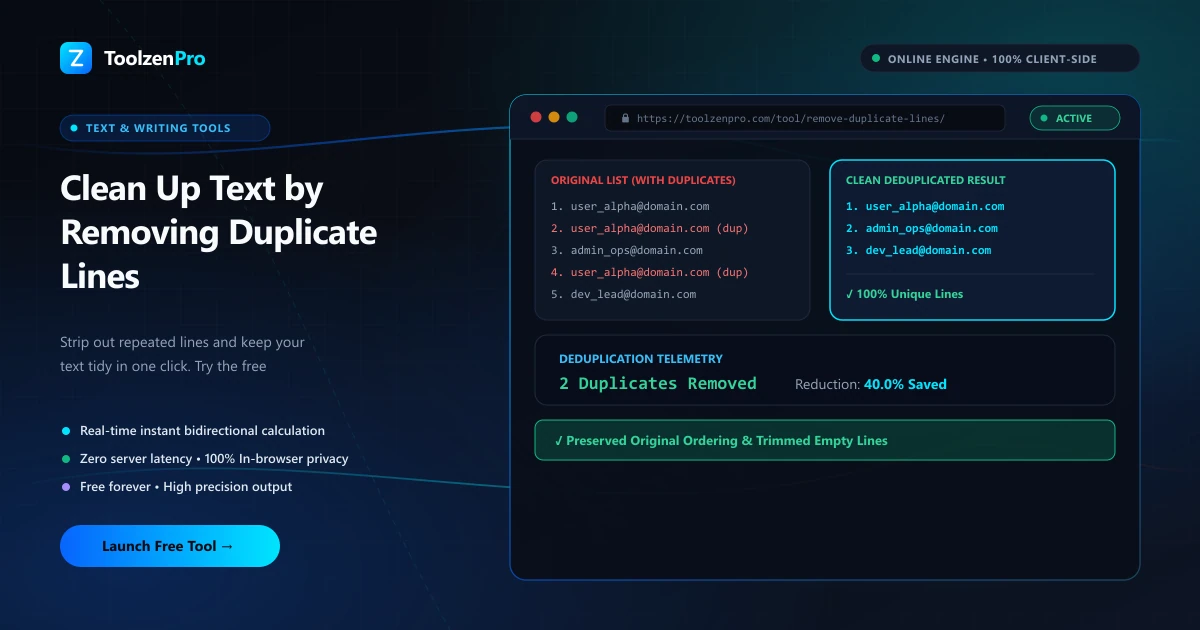
Big lists have a way of collecting duplicates. Emails, keywords, URLs, you name it. Scrolling through to find and delete every repeat by hand is soul-crushing, and it is easy to miss one. One tool can clean the whole thing in a second.
Get Rid of Repeated Lines Fast
Duplicate lines sneak into lists, logs, exports, and email collections all the time. Cleaning them by hand means scrolling, spotting repeats, and deleting one by one, which is slow and easy to get wrong on a long list.
A remove-duplicate-lines tool scans your text and strips the repeats in one pass, keeping your list clean, ordered, and ready to use.
The bigger the list, the more the tool earns its place. Spotting duplicates by eye in a few dozen lines is possible; doing it reliably across thousands is not. Letting software compare every line removes the human error that creeps in exactly when the data is too big to check by hand.
How to Use This Tool
Clean your list in three steps:
- Paste your text or list.
- Set options like sorting or trimming.
- Copy the de-duplicated result.
Open the Remove Duplicate Lines tool to tidy any list.
The sorting and trimming options do more than tidy appearances. Trimming whitespace catches near-duplicates that only differ by a stray space, so lines that look identical are actually treated as identical. Sorting then groups everything so the cleaned list is easy to scan and use.
Cleaner Data for Every Workflow
Marketers and analysts hit this constantly. Merging email lists, combining keyword sets, or stitching together exports from different sources almost always produces duplicates, and a clean, unique list is what keeps a campaign or a report accurate.
Developers and writers benefit too. De-duplicating log lines, config entries, or a working set of notes turns a messy paste into something usable in seconds, without hand-editing or writing a one-off script to do it.
It is a quiet time-saver before any step that assumes unique input. Importing a mailing list, seeding a lookup table, or feeding terms into a search all go smoother when the duplicates are gone first. Running text through a quick cleanup pass means you catch the repeats up front instead of chasing down odd results later. It is the kind of small habit that pays off quietly, keeping downstream steps accurate without ever becoming a task you have to think about. A few seconds spent de-duplicating now can save an hour of untangling mismatched results later.
Key Benefits
- One-pass cleanup: remove all repeats instantly.
- Keeps order or sorts if you prefer.
- Great for lists, emails, and logs.
- Free and unlimited.
- Private in your browser.
Frequently Asked Questions
Does it keep the first occurrence? Yes, it removes later duplicates and keeps your list clean.
Can it sort too? Yes, you can sort and trim whitespace while de-duplicating.
Is my text stored? No, everything runs locally in your browser.
Does it handle large lists? Yes, it processes thousands of lines in one pass, which is exactly where manual cleanup breaks down.
Turn a messy list into a clean one instantly. Use the free Remove Duplicate Lines tool now and keep your data tidy.