
Build a Cron Schedule Without the Manual
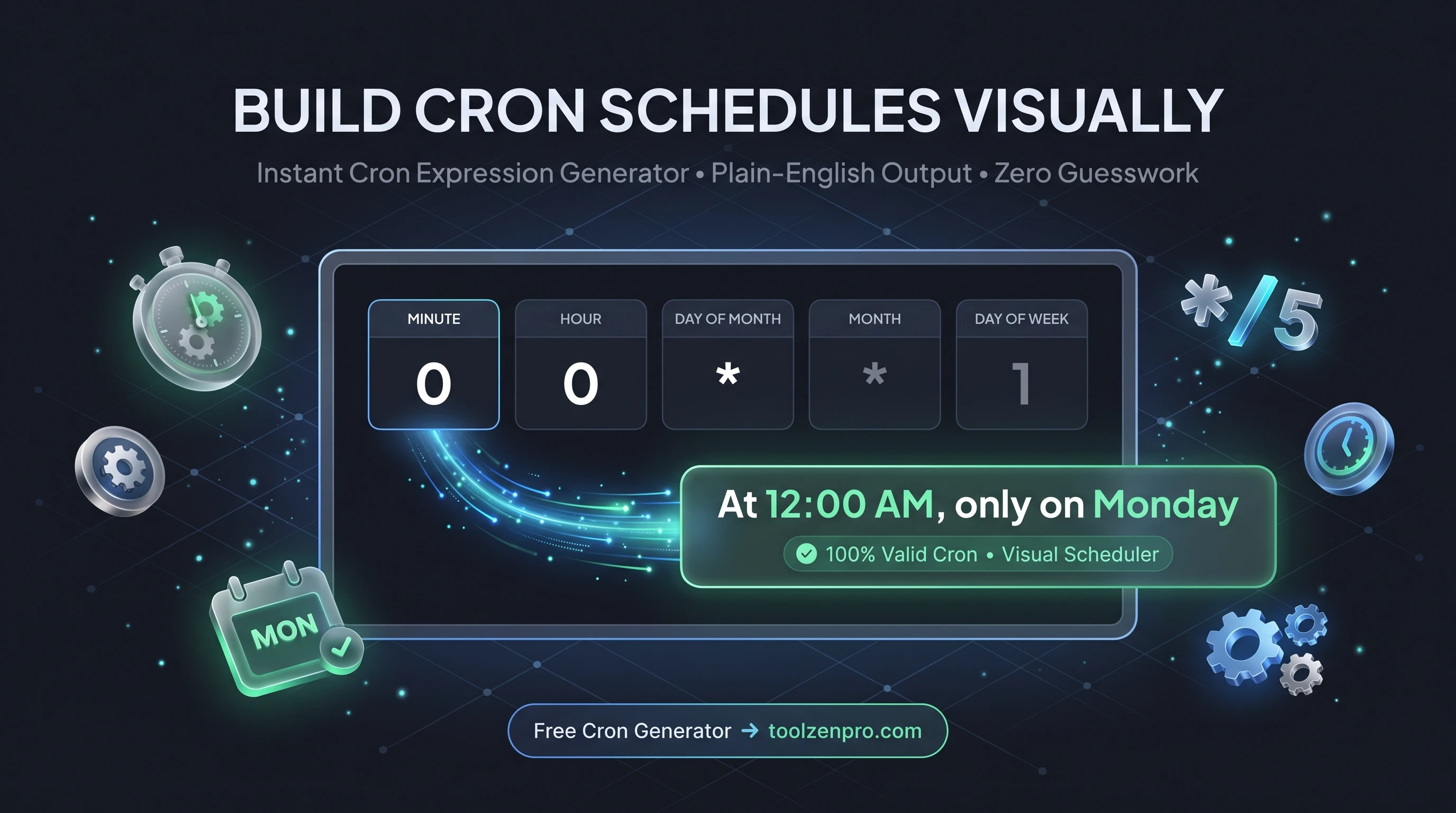
Nobody remembers cron syntax off the top of their head. Those five little fields cause endless confusion, and one wrong asterisk runs your job at the wrong time, or every minute of every day. A visual generator takes the memory work out of it and shows you exactly what your schedule will do.
Cron Syntax Without the Memorization
Cron expressions are compact and cryptic. Five little fields control minutes, hours, days, months, and weekdays, and getting one wrong means your job runs at 3 a.m. instead of 3 p.m. Nobody should have to memorize that syntax just to schedule a backup.
An interactive cron generator lets you pick your schedule visually and gives you the exact expression, plus a plain-English translation so you know precisely when it will fire. You stop guessing and start scheduling with confidence.
The stakes are higher than they look. A misfiring cron job can hammer a database during peak hours, send a report to the whole company at midnight, or quietly never run at all. Seeing the schedule in plain English before you commit it catches those mistakes while they are still harmless.
How to Build a Cron Expression
Schedule any job in three steps:
- Pick your interval and timing from the controls.
- Read the human translation to confirm it is right.
- Copy the cron expression into your crontab or scheduler.
Try the Cron Job Expression Generator and schedule with confidence.
The plain-English preview updates as you change the fields, so you can experiment freely. Nudge the schedule from daily to every weekday, or from on-the-hour to every fifteen minutes, and confirm the wording matches your intent before anything goes live.
From Backups to Reports and Cleanups
Cron runs the quiet background work that keeps systems healthy. Nightly database backups, hourly cache clears, weekly report emails, and log rotations all lean on a correct schedule. Getting the expression right the first time means these jobs just work without waking anyone up.
It is equally handy for newer schedulers. Many CI pipelines, container orchestrators, and serverless platforms use cron-style syntax for triggers, so the same expression you build here drops straight into those systems too.
For anyone learning, the plain-English output doubles as a teacher. After building a few schedules and reading how each field maps to a real time, the syntax stops feeling cryptic and starts making sense on its own.
Key Benefits
- Visual scheduling: pick times without memorizing syntax.
- Plain-English preview: see exactly when it runs.
- Common presets: hourly, daily, weekly, and more.
- Private: runs entirely in your browser.
- Free to use.
Frequently Asked Questions
What do the five fields mean? Minute, hour, day of month, month, and day of week. The tool translates them so you do not have to.
Can it do every-N-minutes schedules? Yes, intervals like every 5 or 15 minutes are supported.
Is anything stored? No, it all runs client-side.
Does the expression work in CI and cloud schedulers? Standard five-field cron works in most crontabs and many CI and cloud triggers, though some platforms add their own extensions.
Skip the man page and schedule jobs the easy way. Use the free Cron Expression Generator to build your next schedule and know exactly when it will run.