
AVIF to WebP for Wider Browser Support
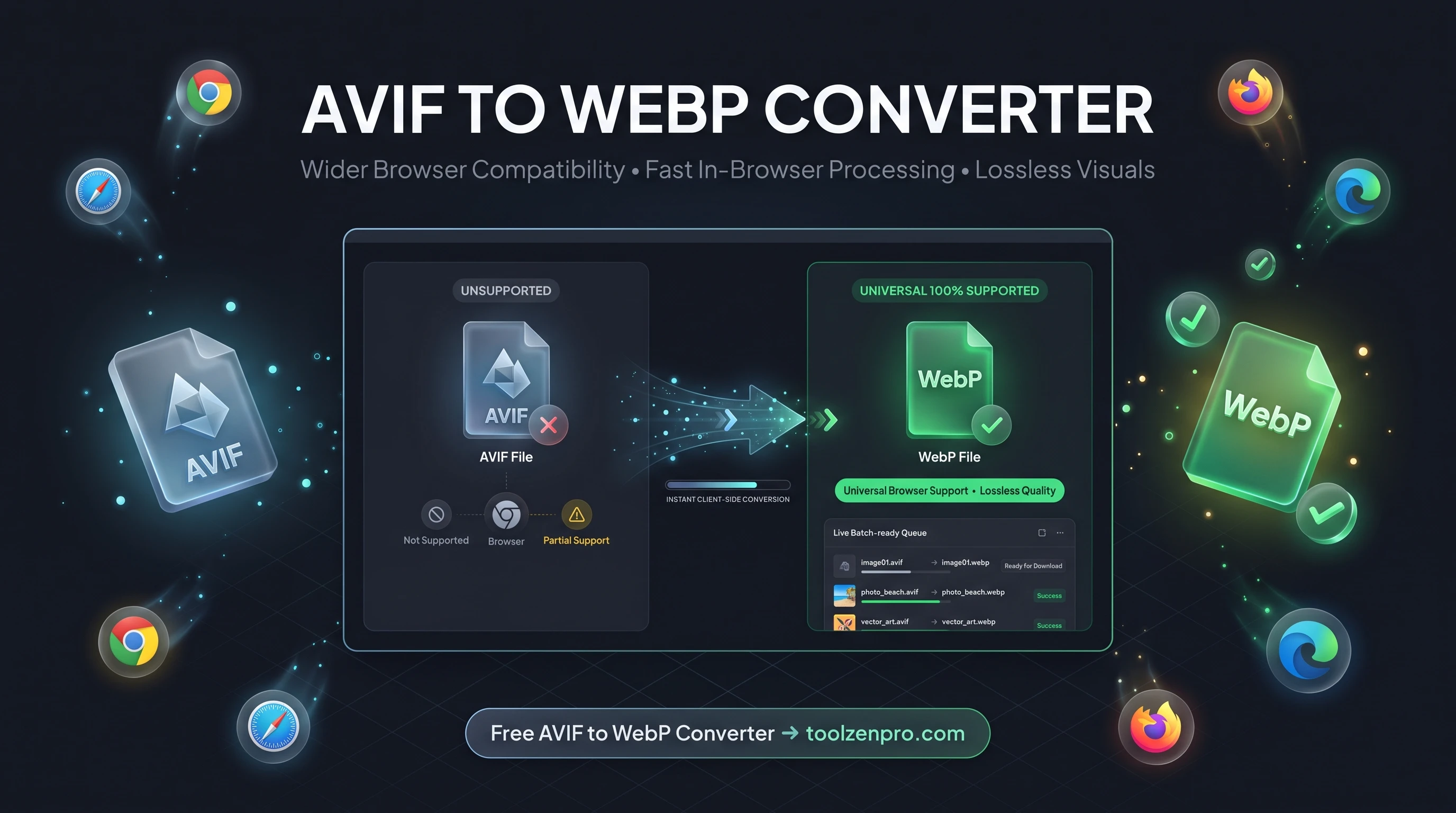
AVIF makes gorgeous, tiny images, but not every browser and app plays nice with it yet. If a client, email tool, or older device shows a broken thumbnail instead of your photo, WebP is the safe middle ground that still keeps files small.
When AVIF Is Too New for Your Audience
AVIF is the newest heavyweight in image compression. It squeezes files smaller than almost anything else, which is fantastic on paper. The problem is reach. Some older browsers, email clients, CMS previews, and third-party apps still do not render AVIF cleanly, and when they fail they usually show a blank box or a broken-image icon instead of your carefully chosen photo.
WebP hits the sweet spot. It is nearly as efficient as AVIF but enjoys years of broad support across every major browser. When you need an image that just works everywhere while staying light, converting AVIF to WebP is the pragmatic move. You keep most of the file-size win without gambling on whether a given device can decode the format.
Think of it as insurance for your visuals. AVIF is the cutting edge, and the cutting edge is exactly where compatibility gaps live. WebP is the format that already survived that adoption curve, so it renders predictably on the phones, laptops, and inbox clients your visitors actually use.
How to Convert AVIF to WebP
The conversion is quick and fully local:
- Drop in your AVIF files or pick them from your device.
- Batch convert several images together.
- Process in-browser using HTML5 canvas, no uploads.
- Download ready-to-use WebP files.
Convert yours now with the AVIF to WebP Converter and stop worrying about broken thumbnails.
Compatibility Without the Bloat
The whole point of switching is reach without regret. A WebP file will display in Chrome, Edge, Firefox, and Safari, plus most content platforms and email builders that have caught up over the last few years. You trade a tiny bit of AVIF's extra compression for images that never fail to show up.
This matters most when you do not control the viewing environment. Newsletters, marketplace listings, embedded widgets, and shared documents all render more reliably with WebP, so your visuals land the way you intended.
It also saves you support headaches. When a client opens a proposal and sees a broken thumbnail, they do not file a bug report about AVIF decoding, they just assume your work looks sloppy. Shipping WebP quietly removes that whole class of problem, and because the files stay small, you never pay for that reliability with slow load times.
Key Benefits
- Wider support: WebP works where AVIF sometimes fails.
- Still small: keep most of the size savings.
- Batch ready: convert a set of images at once.
- Private: files never leave your browser.
- Free: no limits, no sign-up.
Frequently Asked Questions
Why not just keep AVIF? If your whole audience uses modern browsers, you can. WebP is for when you need guaranteed compatibility.
Will quality drop? The difference is minimal. WebP keeps images looking crisp at small sizes.
Is the conversion private? Yes. It runs entirely in your browser with no server uploads.
When an image absolutely has to show up everywhere, WebP is the reliable choice. Try the free AVIF to WebP Converter and get broad compatibility without the bulk.