
Add Colored Text Anywhere in Seconds
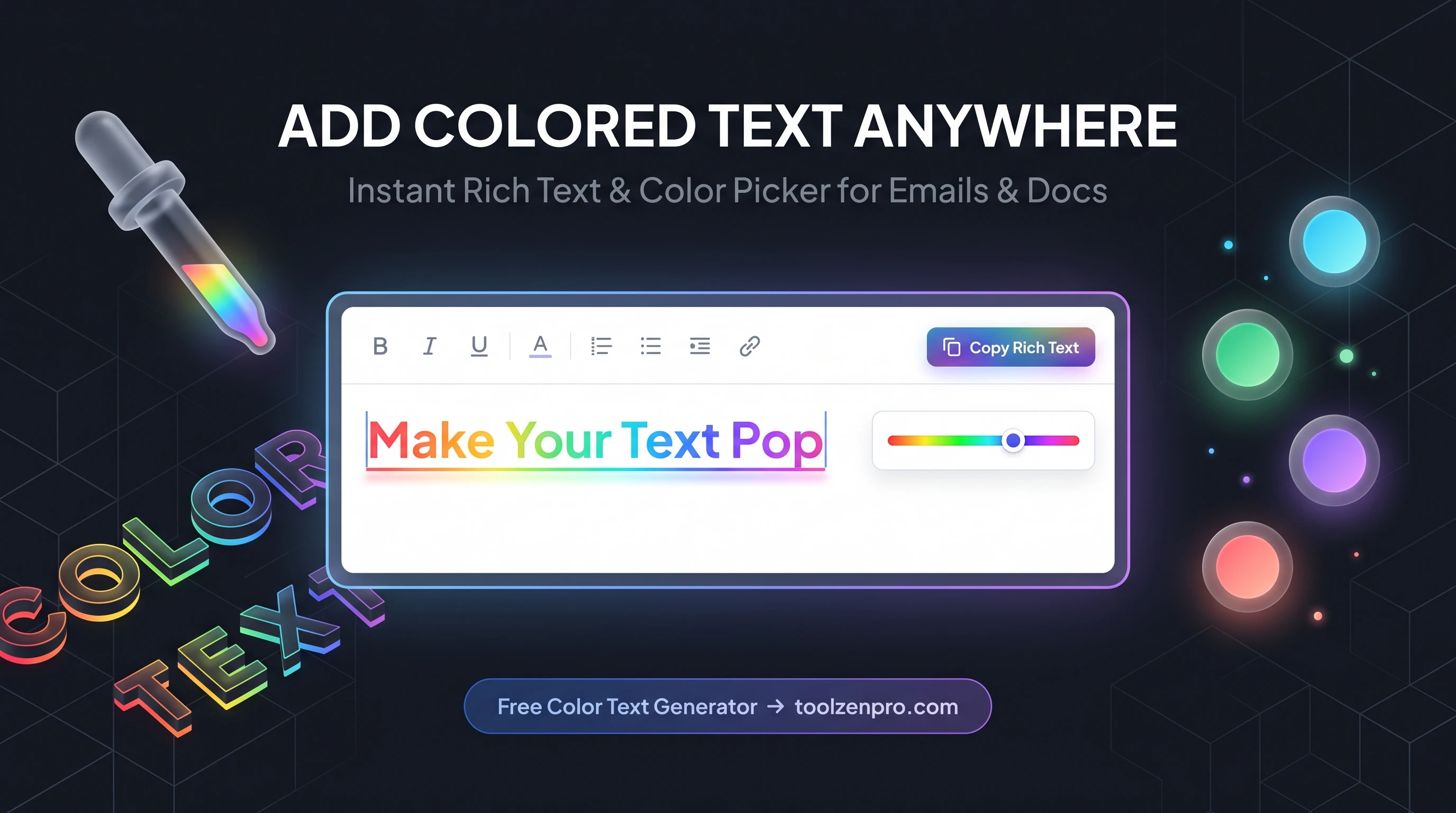
Ever spent ten minutes fighting your email app just to make one word red? You are not alone. Most tools hide color options behind clunky menus, and half the time the formatting breaks when you paste it somewhere else. There is a faster way to get clean, colored text that actually sticks, and it works everywhere you write.
Why Colored Text Still Matters
Color guides the eye. When you highlight a due date in orange or flag a warning in red, people read it first. That is not a design trick, it is how attention works. Whether you are sending a client proposal, building a study guide, or dressing up a social bio, a splash of color makes the important stuff impossible to miss.
The catch is that most editors only give you a handful of preset colors. If your brand uses a specific shade of blue, you are usually out of luck. A dedicated color text tool removes that ceiling and lets you match any palette exactly. That means your marketing emails, your Notion docs, and your forum posts can all carry the same consistent look without compromise.
There is a readability angle too. The way people scan screens means color-coded information gets processed faster than plain black text. A quick red flag on a deadline or a green check on a completed task turns a wall of words into something your reader can navigate at a glance.
How to Use the Color Text Generator
Getting perfectly colored text takes about ten seconds:
- Type or paste your text into the input box.
- Pick your color using the picker, or paste an exact HEX, RGB, or HSL code.
- Preview it live as the color updates in real time.
- Copy the rich text with one click and paste it into Gmail, Word, Google Docs, or your site editor.
Ready to try it? Open the Color Text Generator and style your first line right now.
Where Colored Text Comes in Handy
The use cases stack up fast once you have the tool open. Teachers color-code vocabulary in handouts so key terms jump off the page. Customer support teams flag urgent replies in red so nothing slips through. Small business owners match their brand color in every quote and invoice, which quietly signals that they pay attention to detail.
Social media is another big one. A bio with a single accent color reads as intentional, not busy. And for anyone writing documentation or release notes, color lets you separate warnings, tips, and required steps without adding a single extra word.
Key Benefits
- Any color you want: full HEX, RGB, and HSL support, not just presets.
- Real-time preview: see exactly how it looks before you copy.
- Clipboard-ready: formatting travels with the text when you paste.
- 100% private: everything runs in your browser, nothing is uploaded.
- Free and instant: no signup, no limits, no watermark.
Frequently Asked Questions
Will the color survive when I paste into email? Yes. The tool copies rich text, so Gmail, Outlook, and most editors keep the color intact.
Can I use my exact brand color? Absolutely. Paste your brand HEX code and the text matches it precisely.
Is my text stored anywhere? No. All formatting happens client-side in your browser, so your words never touch a server.
Does it work on mobile? Yes. The picker and copy button work in mobile browsers, so you can style text from your phone just as easily.
Stop wrestling with buried menus and broken formatting. Pick your color, copy your text, and move on with your day. Try the free Color Text Generator now and make your words stand out in seconds.